
Built for
Crews in the Field.
Tailored for Your Trade.

Roofers & Exteriors
Pre-install liability protection, roof inspection logs & storm work documentation
Stop eating the cost of damage you didn't cause. CrewBox lets your team document existing driveway cracks, siding dings, or flowerbed condition before the ladder even comes off the truck — then prove your finished work with annotated photos and driveway PDF sign-offs.
5 Key Trade Workflows:
Pre-install Liability Docs
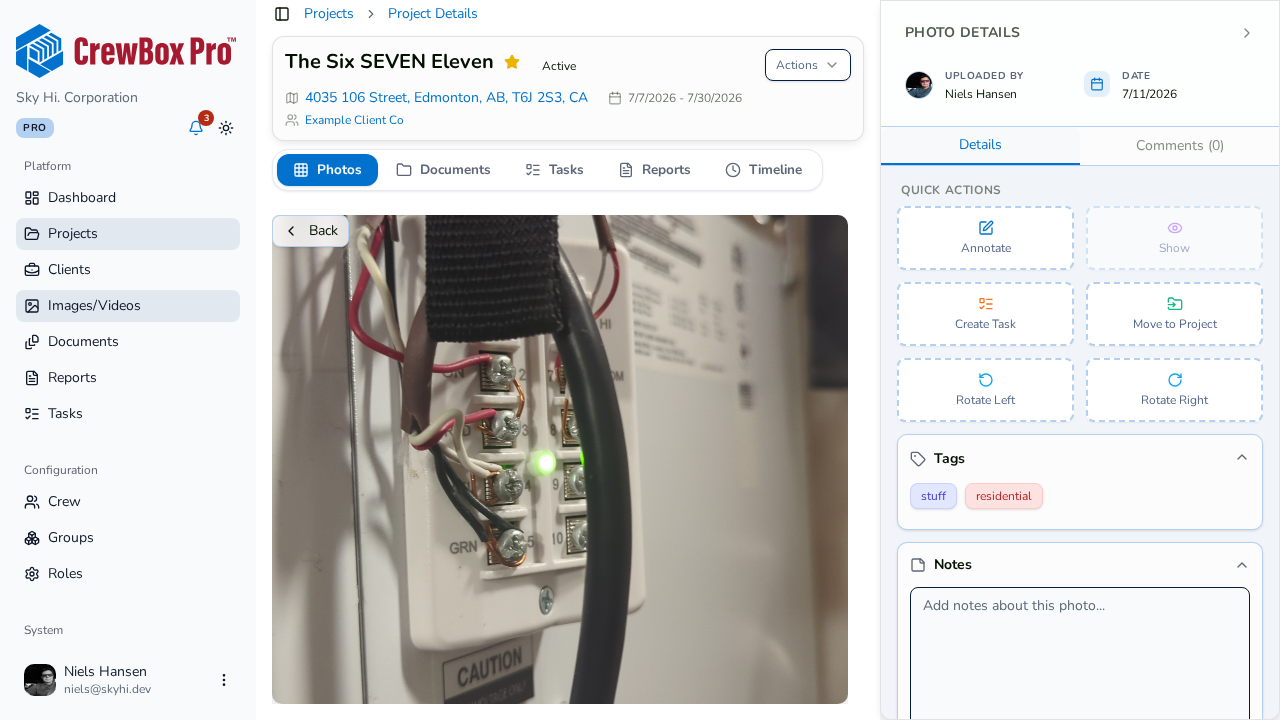
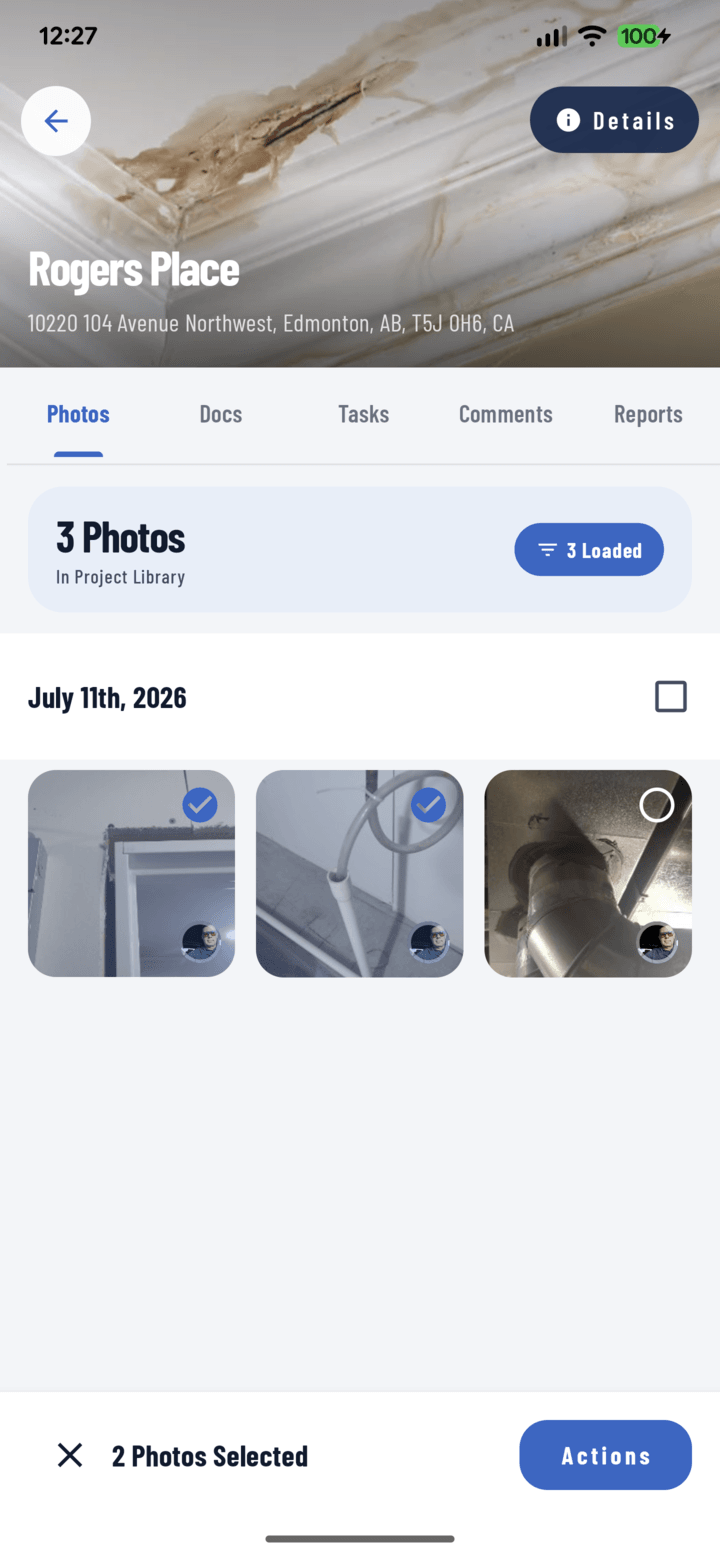
Walk the property once and capture time-stamped, GPS-tagged photos of existing driveway cracks, siding dents, and landscaping before setup.
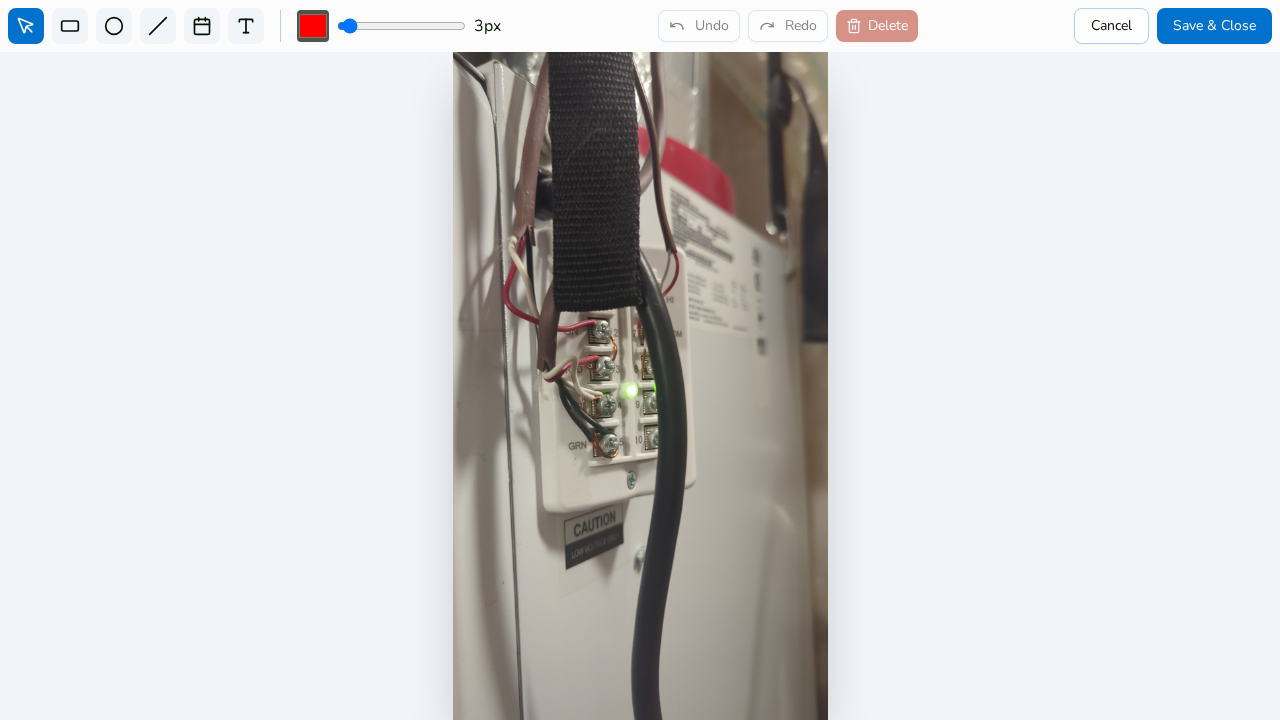
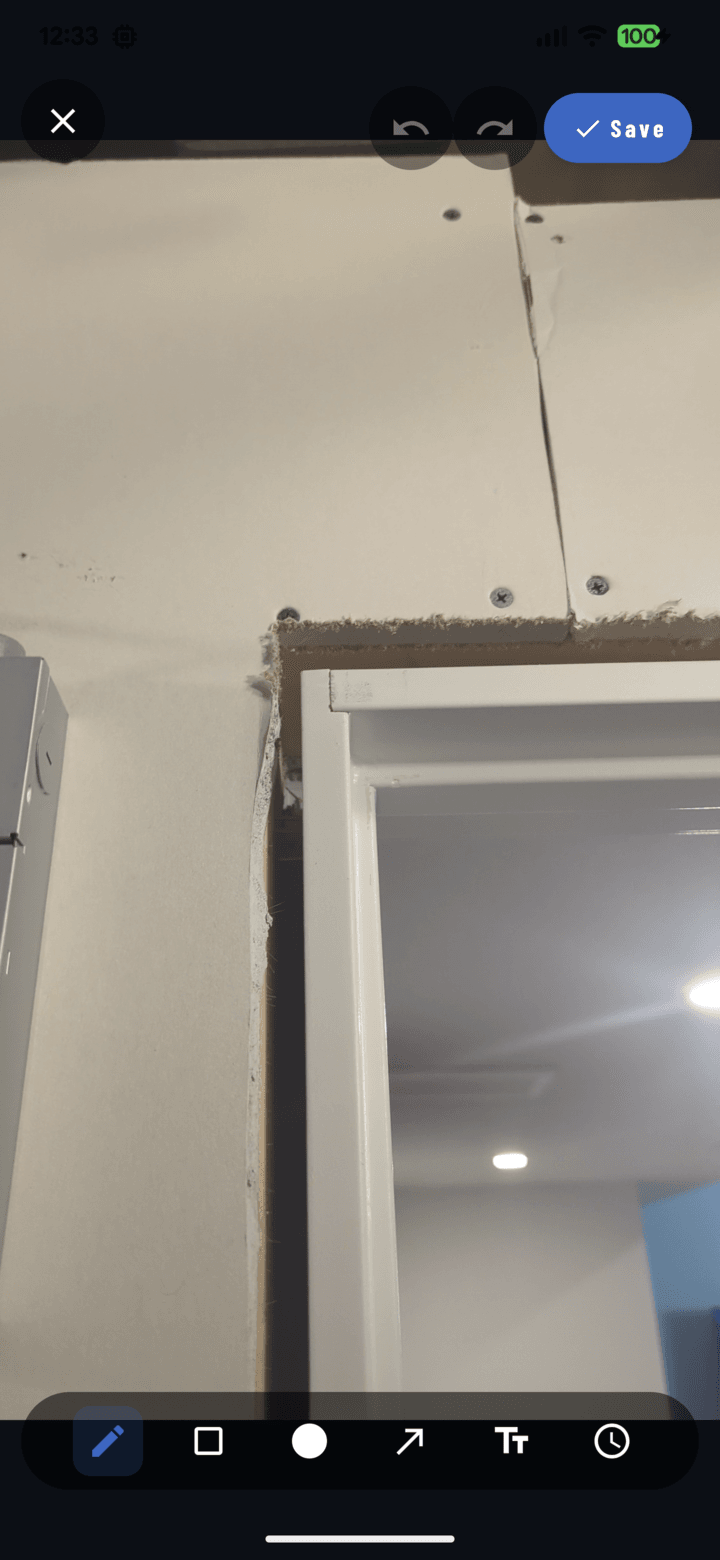
Markups & Annotations
Circle soft decking, arrow flashing details, and add measurements directly on roof photos. Annotations are non-destructive, preserving original shots.
Persistent Visual Record
Every tear-off, underlayment layer, and shingle course is filed by project automatically. Searchable by project, tag, and date years later.
Final Inspection Sign-offs
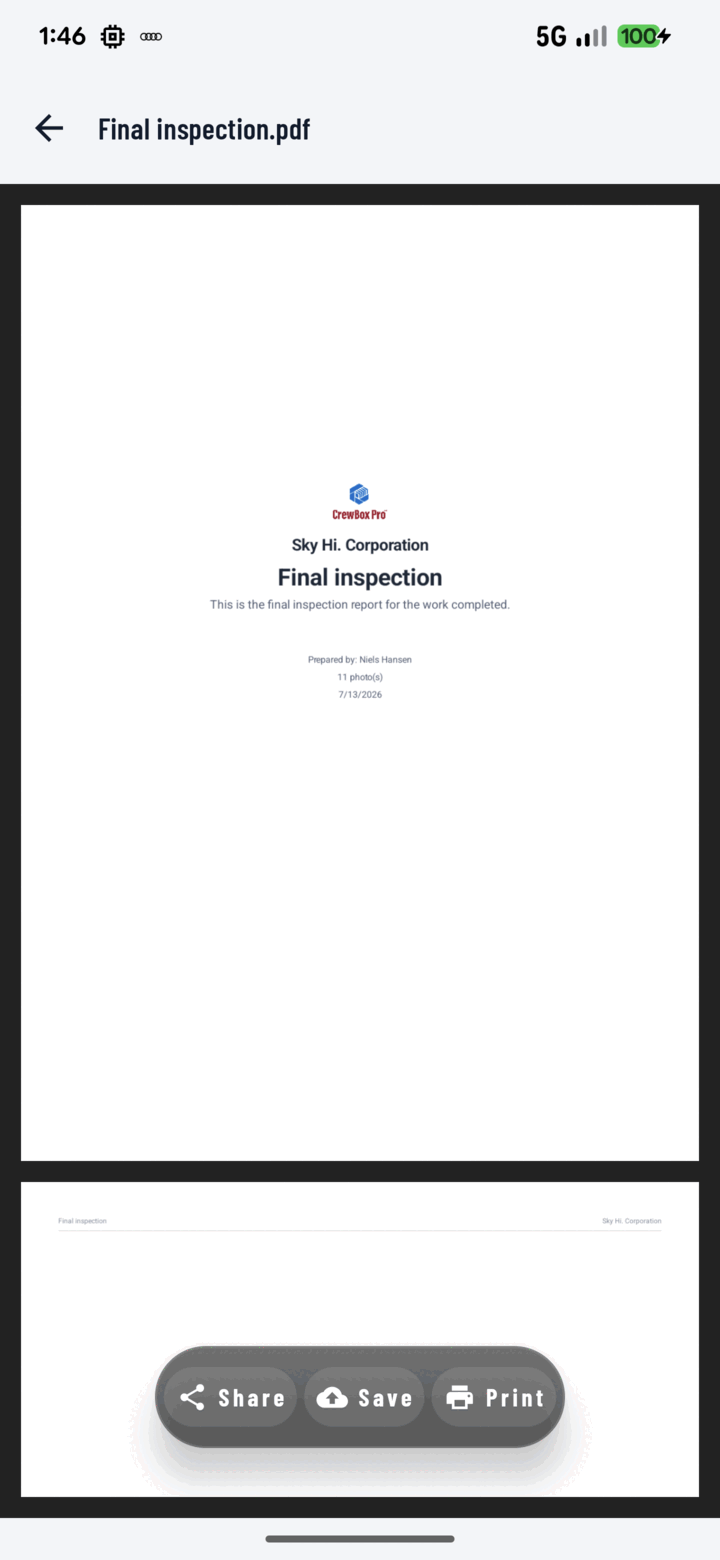
Generate a branded PDF walking the client from before to after, capture their digital sign-off, and send for invoicing the same day.
Storm & Insurance Proof
Hail hits, wind lifts, and leak trails photographed with GPS coordinates and timestamps give insurance adjusters fast, dispute-proof evidence.




Built Into Every Plan For All Crews
No matter your trade, CrewBox provides powerful core tools engineered specifically for jobsite conditions.

GPS & Time-stamped Filing
Every shot is tagged with precise GPS coordinates and time stamps, auto-filed to the right project.

Ladder Burst Mode
Shoot multi-photo series one-handed using volume buttons with built-in bubble level alignment.

Non-Destructive Markups
Add arrows, circles, and measurement lines on photos without destroying the raw original image.

Driveway PDF Reports
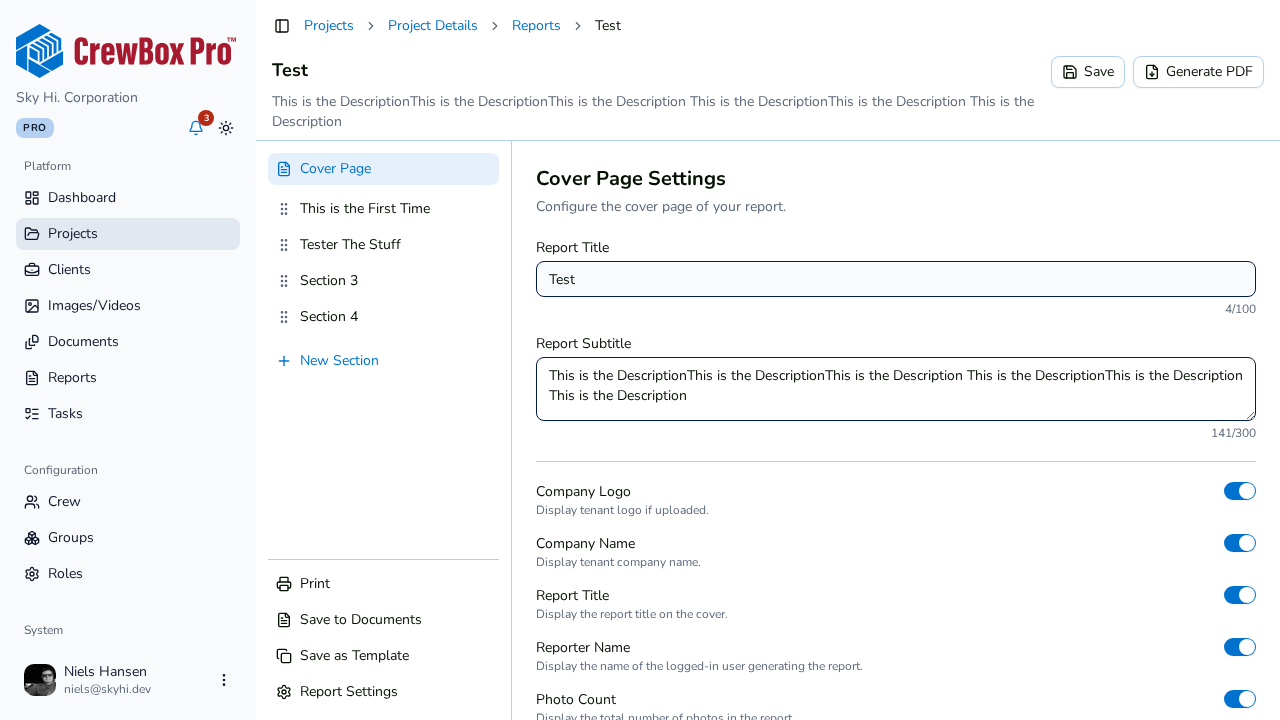
Generate client-ready, branded PDF condition & completion reports directly on your phone on-site.

100% Offline-First Sync
Full capture and annotation functionality with zero cell signal in roofs, basements, and rural lots.

Pre-Shoot Smart Tagging
Select trade chips like #pre-install, #rough-in, or #panel before taking shots to auto-organize.

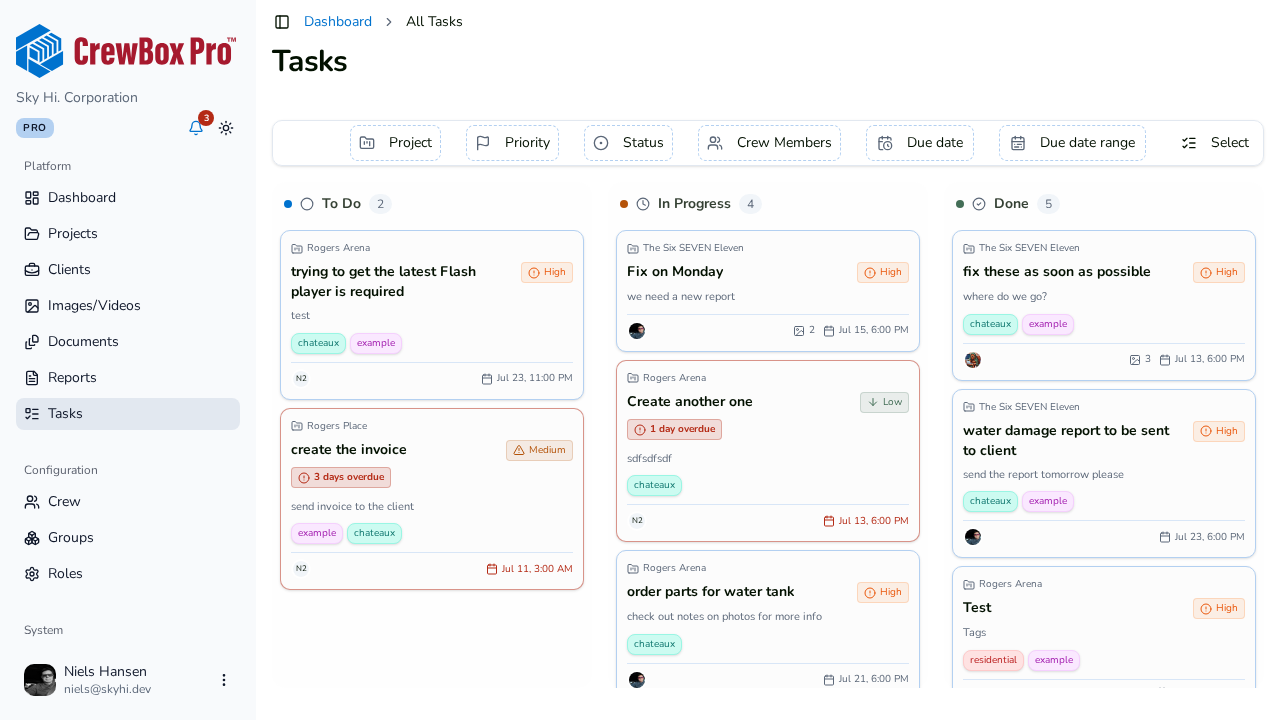
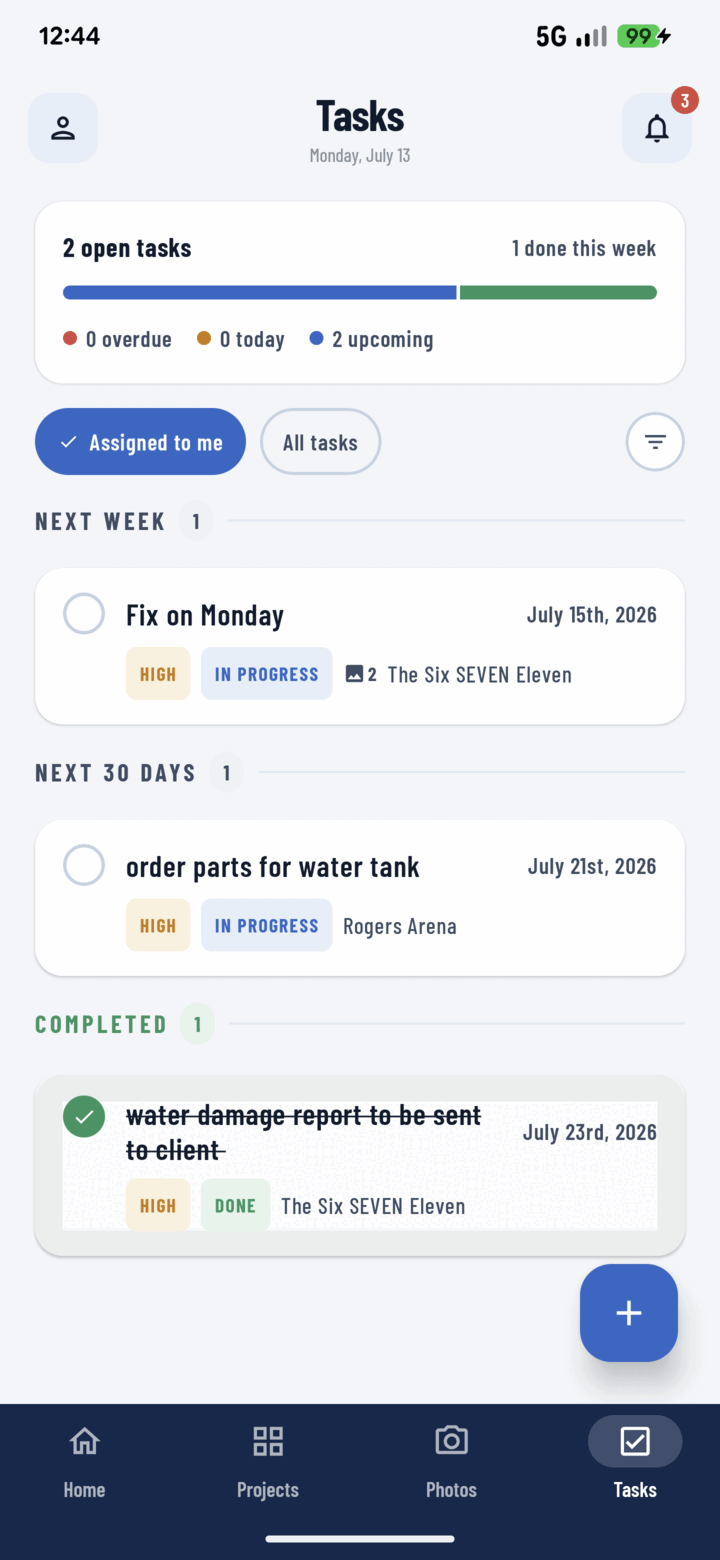
Photo-Backed Punch Lists
Assign tasks with priority and photo evidence directly to specific sub-contractors or field techs.

Multi-Year Project Search
Search your entire install history by client, project name, tag, or date — years after job completion.
Trade Workflow Matrix
| Trade | Primary Liability / Risk Solved | Pre-Drywall & Hidden Proof | Offline Reliability | Instant PDF Sign-off |
|---|---|---|---|---|
| Roofers & Exteriors | Pre-existing driveway, siding & landscape damage claims | ✓ Tear-off & underlayment | ✓ Roof & rural sites | ✓ Driveway approval |
| Plumbers & Pipefitters | Accusations of leaks after drywallers or tile crews work | ✓ Rough-in & valve mapping | ✓ Basements & crawl spaces | ✓ Water damage reports |
| Electricians | City inspector code disputes & panel wiring verification | ✓ Conduit & junction boxes | ✓ Vaults & dark rooms | ✓ Permit clearance logs |
| HVAC Technicians | Missing model/serial numbers & unverified pressure tests | ✓ Attic ductwork routing | ✓ Attics & mechanical basements | ✓ Pre/post authorization |
| Landscapers & Hardscapers | Grading/drainage disputes & unverified delivery drops | ✓ Sub-base & compaction | ✓ Outdoor lots | ✓ Transformation logs |
Frequently Asked Trade Questions
Answers to how CrewBox works for specialized contractors on the jobsite.
Every photo captured in CrewBox is automatically time-stamped and GPS-tagged the moment it's shot. Walk the property before unloading equipment to document pre-existing driveway cracks, siding dings, or gutter damage. If a client later claims your crew caused damage, you have dated, located proof of pre-existing conditions.
Plumbing crews photograph every rough-in, pipe strap, drain slope, and valve before drywallers enclose the framing. The photos are automatically filed to the project with timestamps. Six months later, if someone drives a drywall screw into a pipe, you can prove your rough-in was flawless when your crew finished.
Yes. Electricians can capture panel wiring bundles, breaker schedules, conduit routing, and grounding rods, then generate a branded PDF inspection report directly on their phone. Email the photo log to city inspectors or general contractors to clear permits without waiting on physical reinspections.
Simply photograph the equipment data plate on air handlers, condensers, or coils. CrewBox extracts model and serial numbers so you can search any unit by serial number years later for warranty claims or service calls.
Yes! Landscapers take daily progression photos, document paver or soil delivery drops with receipt photos, and record laser grading lines before pouring concrete or laying sod. Compare before-and-after timelines to present client transformations.
CrewBox is 100% offline-first. Photos, notes, tags, and annotations are saved instantly to your device local storage without needing internet access. Once your device reconnects to Wi-Fi or cellular service, all data syncs to the cloud automatically.

One place for every jobsite photo, task, and report. Set up in minutes and see the difference on your next job.
- 30 days free
- No credit card to get started
- Up and running in 5 minutes or less
- No sales calls (we promise)
- Free for solo crews
- iPhone, Android & web