
Document every install, from nameplate to airflow
Easily track unit serial numbers, capture complex ductwork routing, and generate instant pre- and post-installation reports your clients can authorize on the spot. CrewBox gives HVAC crews a searchable photo record of every unit they've ever touched.
Model & serial number extraction
Photograph the nameplate and the data stays with the project forever. Warranty claims, replacement quotes, and service calls start from a searchable photo instead of a truck roll.
Ductwork & airflow documentation
Capture trunk lines, takeoffs, and damper positions before the ceiling closes. Annotate static pressure readings directly on the photo without altering the original.
Client authorization sign-offs
Show the homeowner the failed heat exchanger photo, generate the PDF, and capture their authorization before the repair starts. No more he-said-she-said on approved work.
Pre & post installation reports
Document the old unit's condition, the new install, and the final readings in one branded PDF report — generated on the device before you leave the driveway.
Maintenance & service history
Every filter change, coil cleaning, and refrigerant reading is photographed and filed to the project. The next tech sees the full history before opening the panel.
Built into every plan
- Time-stamped, GPS-tagged photos filed by project automatically
- Nameplate and serial number shots searchable by project and tag
- Tags like #install, #service, #ductwork applied before you shoot
- Annotations for readings and callouts — originals never altered
- Branded pre/post install PDF reports built on the phone
- Client authorization sign-offs captured on site
- Offline capture in attics, basements, and rooftop units
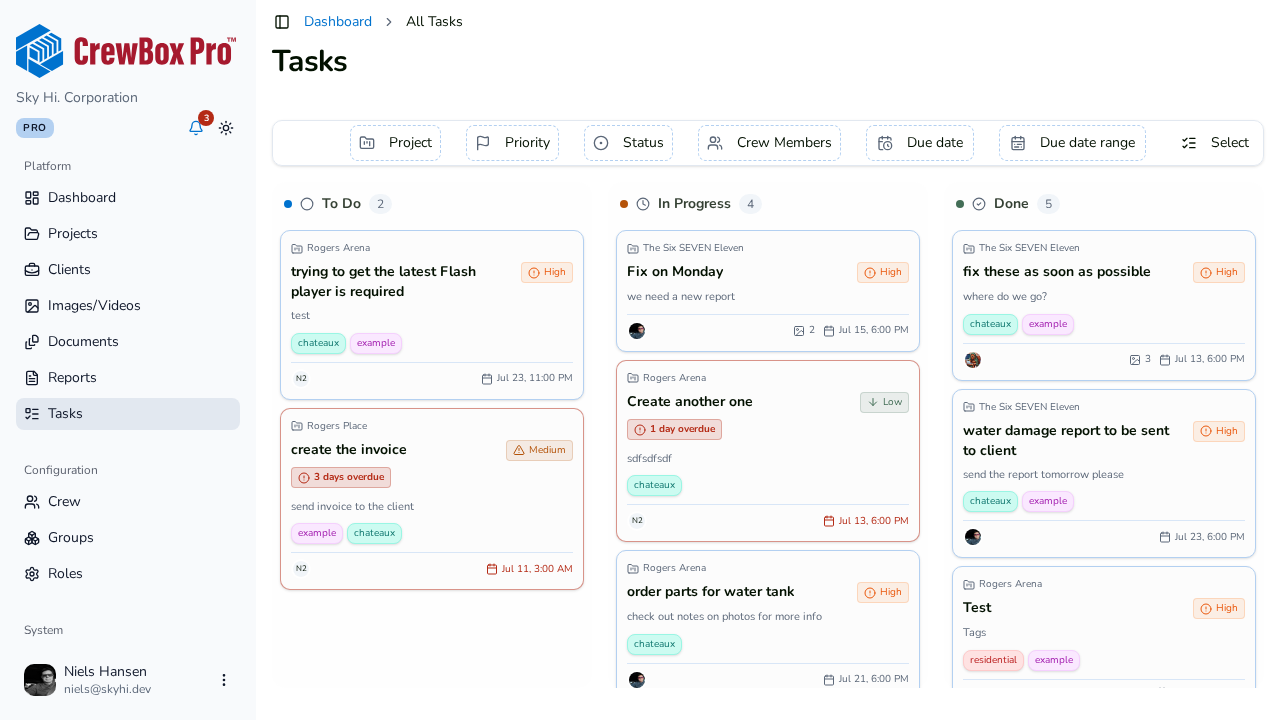
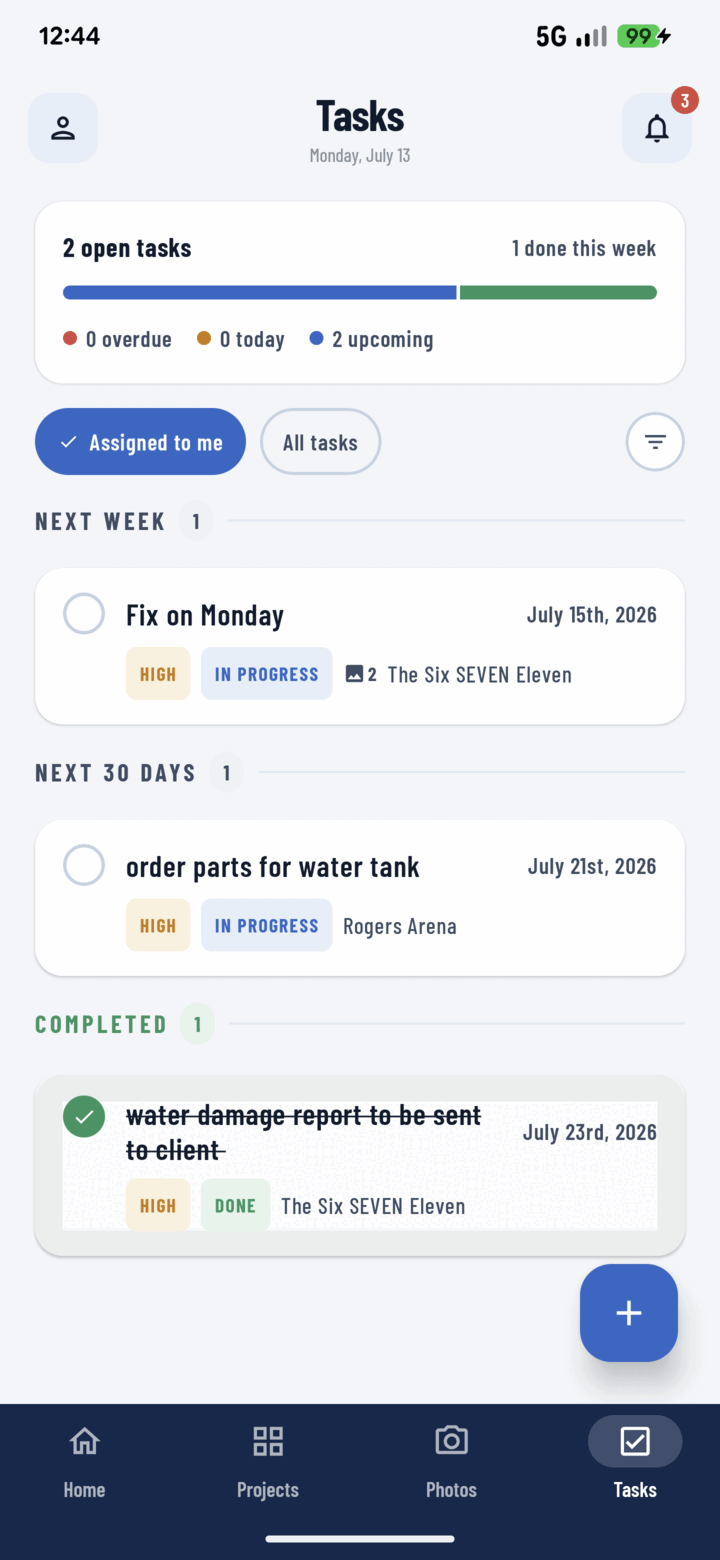
- Photo-backed tasks and punch lists per unit or zone
The features hvac technicians lean on
Photo Documentation
Nameplates, ductwork, and readings filed by project automatically.
Learn more →Photo Annotation
Write static pressure and temperature readings directly on the photo.
Learn more →PDF Progress Reports
Pre/post install reports and authorizations generated on the device.
Learn more →Offline Mode
Attics and rooftop units with no signal — capture now, sync later.
Learn more →Frequently asked questions
How do HVAC techs track model and serial numbers with CrewBox?
Photograph the unit nameplate and the photo is filed to the project with a timestamp and GPS location. Serial numbers stay searchable for warranty claims and future service calls.
Can clients authorize repairs through CrewBox documentation?
Yes. Show the client the documented issue, generate a branded PDF report on your phone, and capture their sign-off before starting the work.
Does CrewBox work in attics and basements without signal?
Yes. CrewBox saves everything locally the moment you capture it and syncs automatically when your phone reconnects.

One place for every jobsite photo, task, and report. Set up in minutes and see the difference on your next job.
- 30 days free
- No credit card to get started
- Up and running in 5 minutes or less
- No sales calls (we promise)
- Free for solo crews
- iPhone, Android & web