
Request a Reset Link
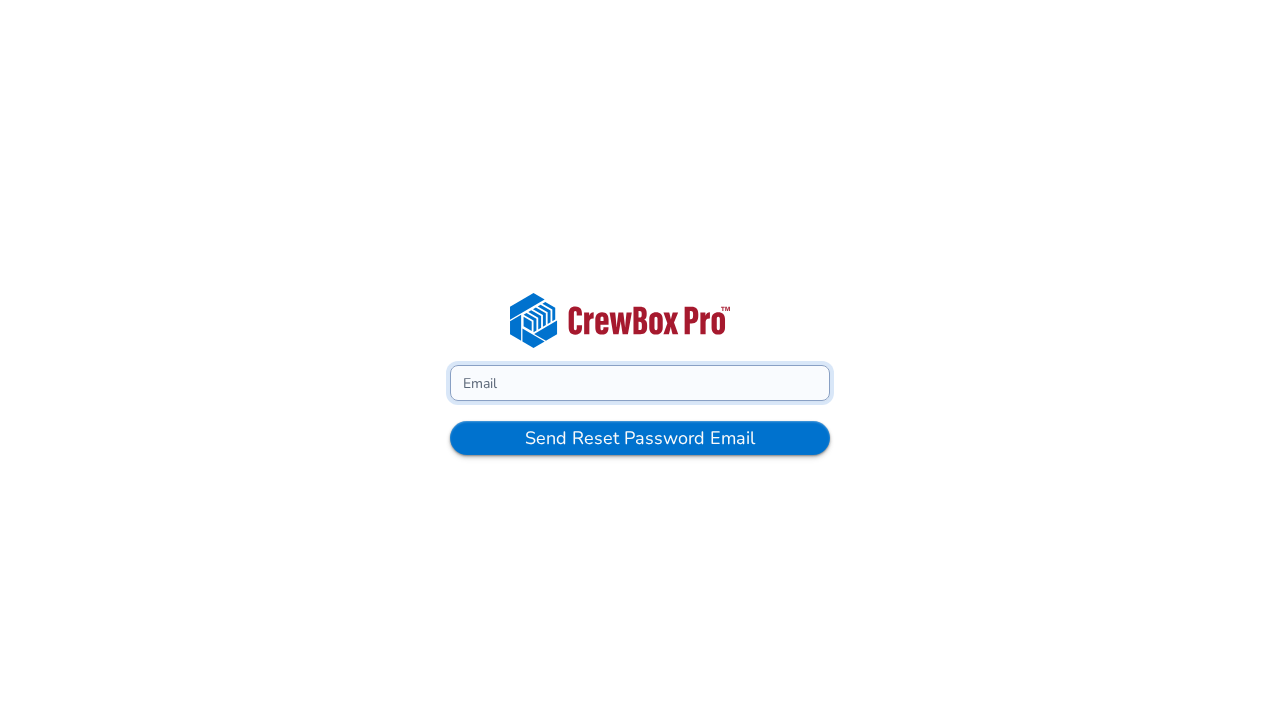
- On the CrewBox login page, click Forgot password.
- Enter the email address on your CrewBox account.
- Submit the form — CrewBox emails you a password reset link.
Set Your New Password
- Open the reset email and click the link. It takes you to the Set Password page.
- Enter your new password, then enter it again in the confirmation field. Both fields have a show/hide toggle, and CrewBox checks that they match before you can submit.
- Submit. On success you're returned to the Login page — sign in with your new password.
Good to Know
- Other sessions are signed out. A successful reset force-logs-out any other browser sessions using your account, so a lost or shared device can't stay signed in with the old password.
- Links expire. If the page rejects your link, request a fresh one from Forgot password and use the newest email.
- Signed in with Google? You can always use Continue with Google instead of resetting a password.