
Sign in fast. Stay secure.
CrewBox gets crews into the app in seconds — email, Google, or a fingerprint — while keeping credentials in hardware-backed storage and OAuth flows out of embedded webviews.
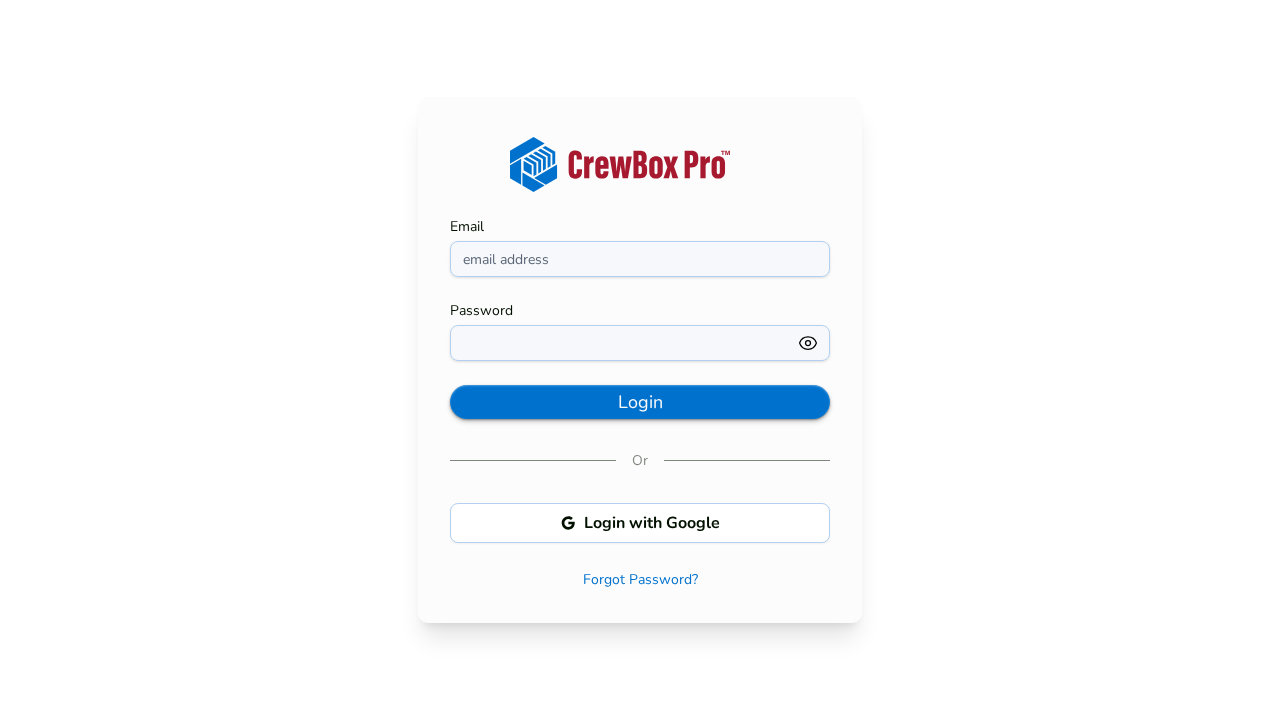
 MOBILE SCREENSHOT/Images/features/sign-in-mobile.png
Email done right
Password show/hide, inline errors with loading states, and a Remember Me that pre-fills your email next session.
Continue with Google
A native OAuth Authorization Code flow with PKCE through the system browser. The authorization code exchanges server-side — the app never handles your Google password.
Biometric unlock
A fingerprint or Face ID button appears right in the login form once enabled. Credentials live only in the device’s secure hardware-backed storage.
Three steps to a working crew
Company onboarding is a guided wizard — account, company, security — with field-level validation and email verification at the end.
Everything included
- Email and password sign-in with show/hide toggle
- “Remember me” pre-fills your email next session
- Inline error messages and loading states
- Continue with Google — OAuth Authorization Code + PKCE (S256)
- System-browser flow; the app never sees your Google password
- Fingerprint (Android) and Face ID / Touch ID (iOS) unlock
- Credentials only in Keychain or encrypted storage
- Three-step company signup: account, company, security
- Field-level validation with a visual step indicator
- Email verification with a shortcut back to login
- Forgot-password flow with an emailed reset link
- Automatic session refresh keeps you signed in

One place for every jobsite photo, task, and report. Set up in minutes and see the difference on your next job.
- 30 days free
- No credit card to get started
- Up and running in 5 minutes or less
- No sales calls (we promise)
- Free for solo crews
- iPhone, Android & web