Steps
1. Know what's available
CrewBox ships three complete languages: English (the default), Spanish, and French. Translations cover the console UI.
2. Open your profile settings
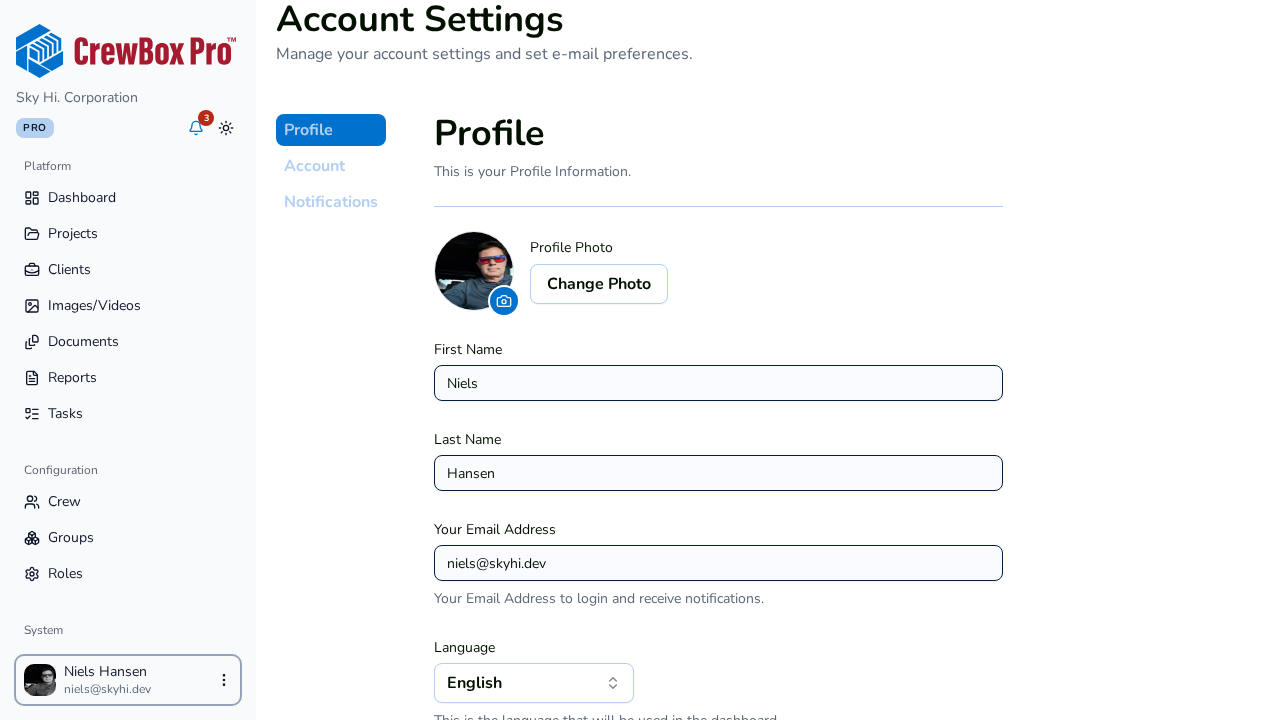
Click your avatar in the sidebar footer and choose Account settings, then open the Profile tab.
3. Pick a language
Select English, Spanish, or French in the Language setting. The change applies live — the console switches languages immediately, no reload required — and your choice persists across sessions.
4. Rely on auto-detection for first visits
On your first visit, CrewBox auto-detects your browser's language and starts there. Once you pick a language explicitly, your choice wins.
5. Switch during signup too
The signup wizard has its own flag switcher, so new users can complete onboarding in their preferred language before they ever reach the profile settings.
Related