
Steps
- Tap your avatar in the top header to open your Profile.
- Tap Language.
- Choose English, Español, or Français.
- The whole interface switches immediately — every screen, button, and message.
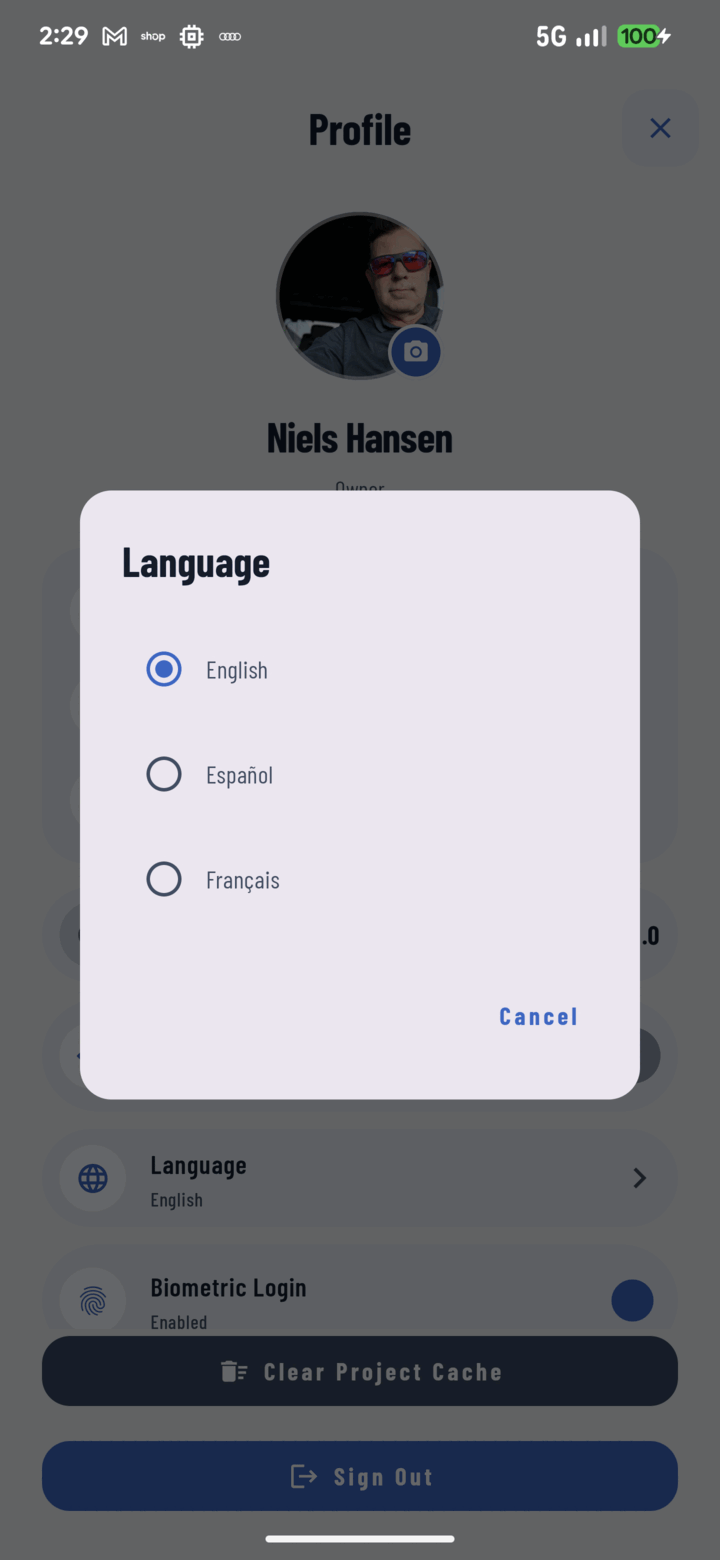
Profile then Language opens this picker — choose English, Espanol, or Francais and the app switches instantly.
Notes
- The choice is per-account and persists across sessions and app updates.
- Your phone's system language doesn't change — only CrewBox.
- All three languages are complete translations of the full app, so mixed-language crews can each run CrewBox in their own language on the same projects.
Related
- FAQ: Settings, Languages & Devices