
Steps
- Tap your avatar in the top header → Profile.
- Tap Clear project cache.
- Confirm in the dialog — a snackbar confirms when done.
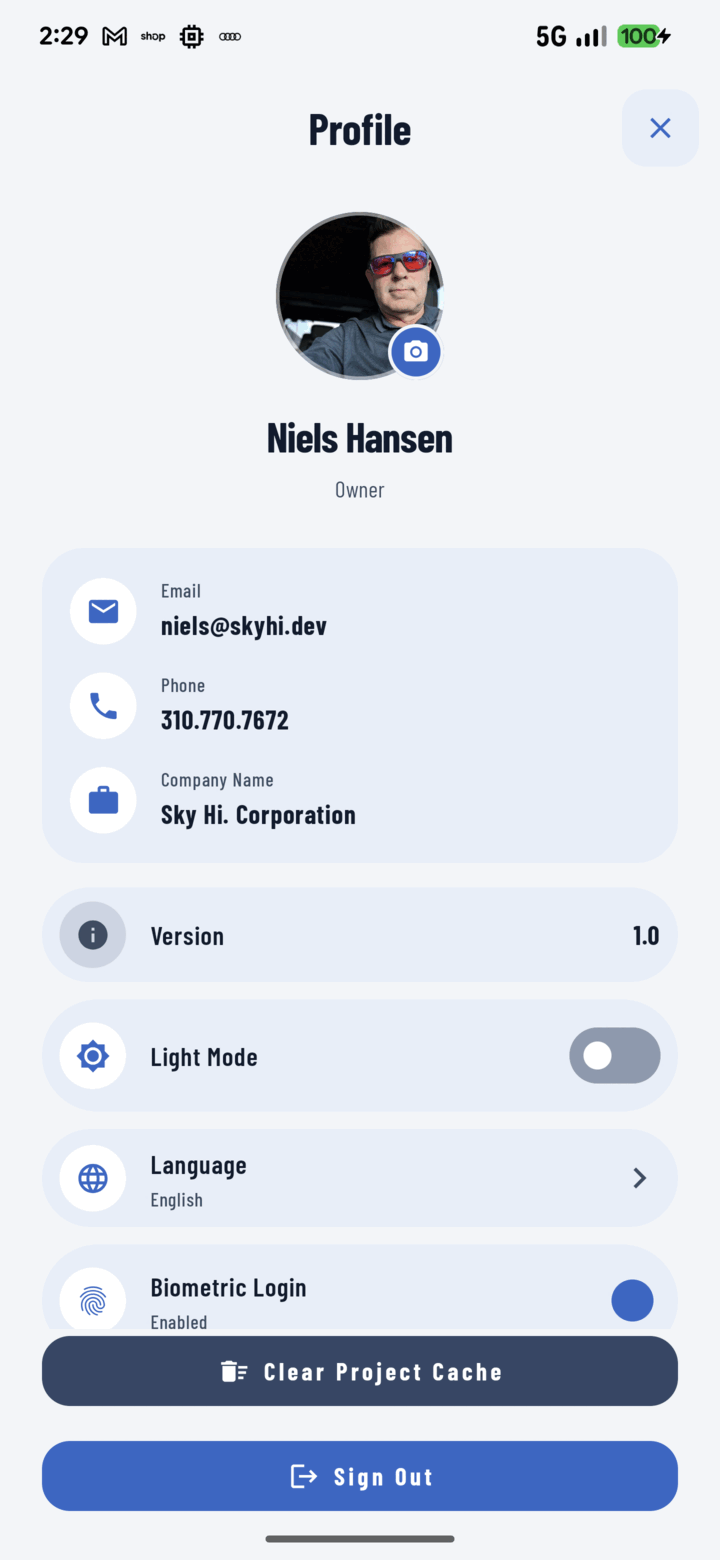
The Clear Project Cache button at the bottom of Profile frees up space by dropping downloaded project data.
What It Clears (and What It Doesn't)
- Cleared: locally cached project data and images the app has downloaded for fast, offline-capable browsing. It re-downloads on demand as you browse.
- Not touched: your unsent captures and pending uploads — the offline queue is protected. Nothing on the server is affected either; this is purely local housekeeping.
When to Use It
- The phone is tight on storage after months of heavy browsing.
- Troubleshooting: stale-looking data that a refresh doesn't fix.
Use this in-app control rather than the OS-level "clear app data" — the OS version is a blunt instrument that can take pending work with it.