
Steps
- Tap your avatar in the top header → Profile.
- Flip the Dark mode switch.
- The whole app re-themes instantly — no restart. Flip back any time.
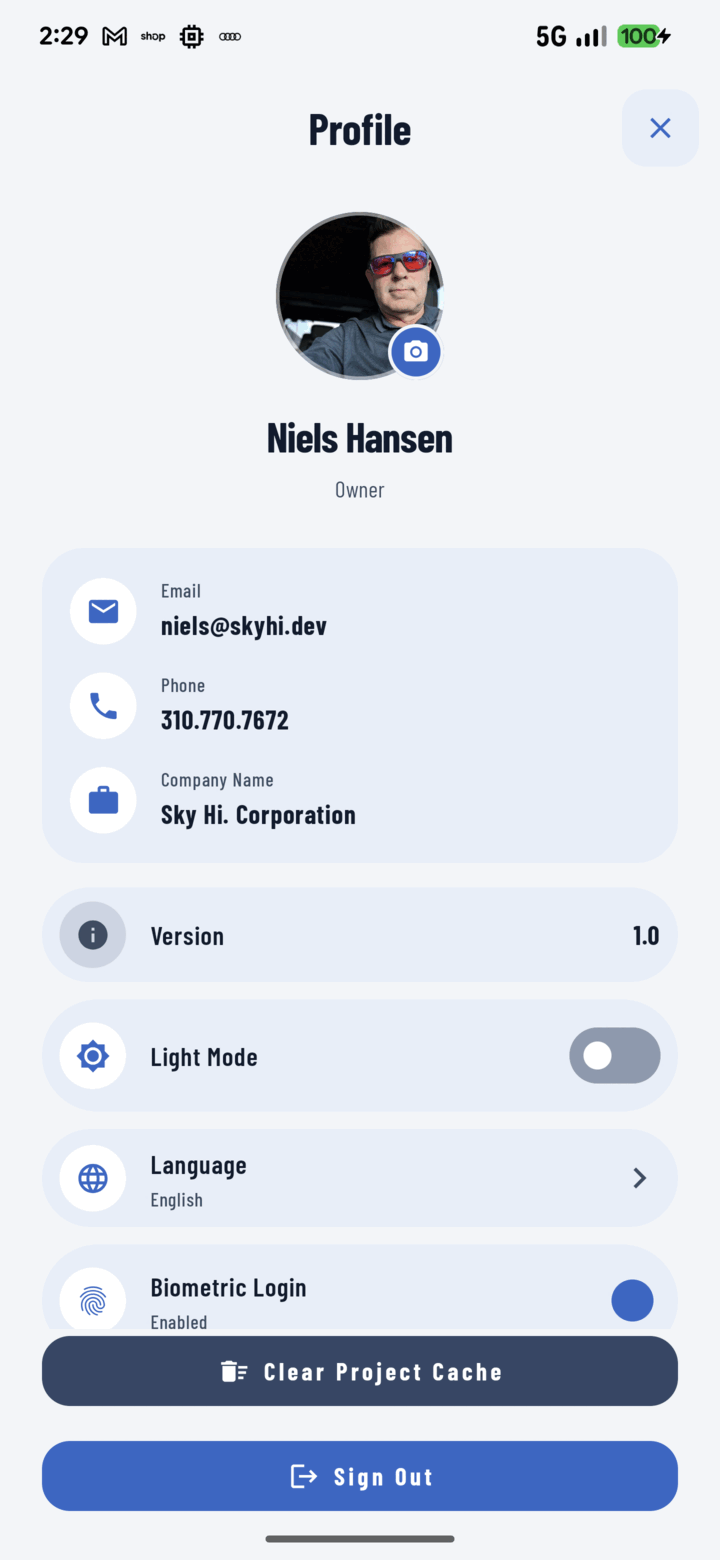
The Light Mode toggle in Profile switches the whole app between light and dark themes.
When Each Wins
- Dark: early starts, basements and attics, crawl spaces, end-of-day battery stretching, and anyone whose eyes prefer it.
- Light: direct sunlight — bright UI on full brightness reads better outdoors.
Your choice persists across sessions and is yours alone — each crew member sets their own.