
Steps
1. Open the Invited tab
Go to the Crew Members page and click the Invited tab. It lists every pending invitation, with a count in the tab label.
2. Find the invitation
Use the search box (name or email) if the list is long. Each pending invite appears as a crew card showing the person's name, email, and any assigned role and groups.
3. Open the card menu
Click the menu on the invitation's card. For pending invitations, the menu includes two extra actions alongside the usual ones:
- Resend Invite — sends the invitation email again. Use this when the original was missed or expired.
- Revoke Invite — cancels the invitation so the link no longer works.
4. Resend or revoke
Click the action you need. Revoking removes the person from the pending list; revoked invitations are tracked under the Archived tab.
5. Fix a mistake if needed
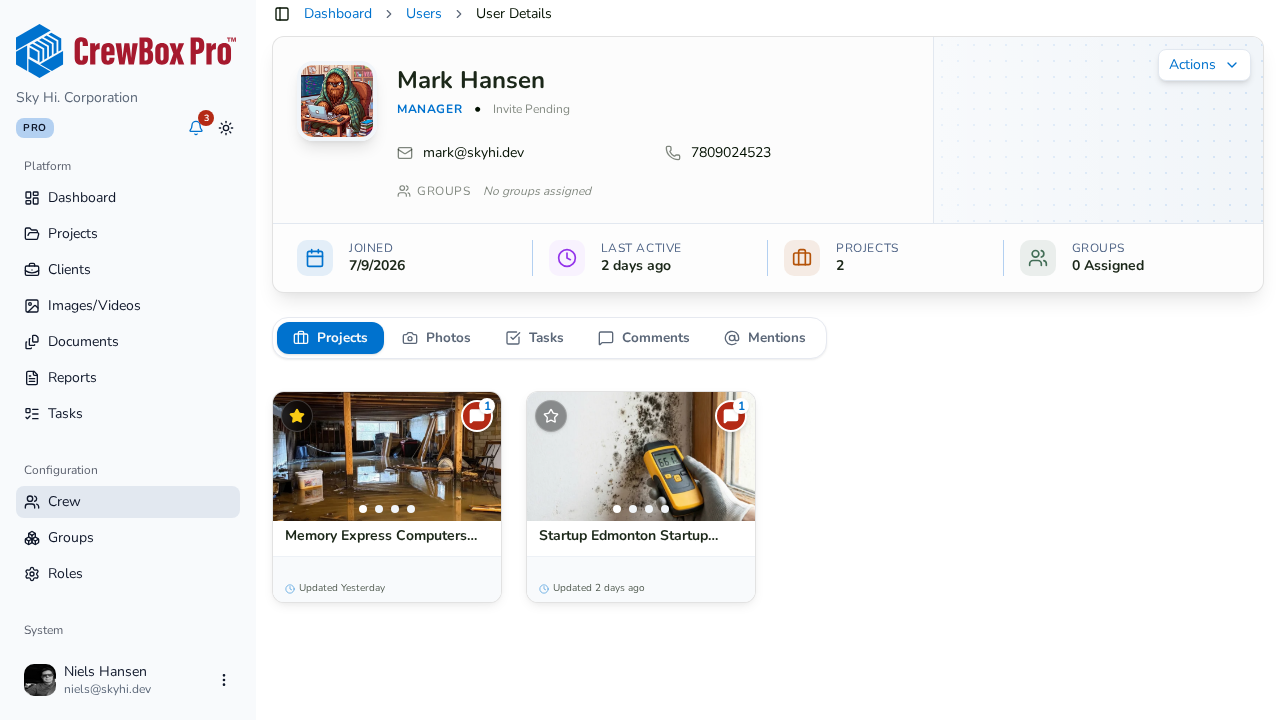
If you revoked by accident or the details were wrong, invite the person again from New Crew Member with the corrected information. You can also resend or revoke from the invited person's detail page — its actions menu carries the same options.