
Jobsite records, protected like business records
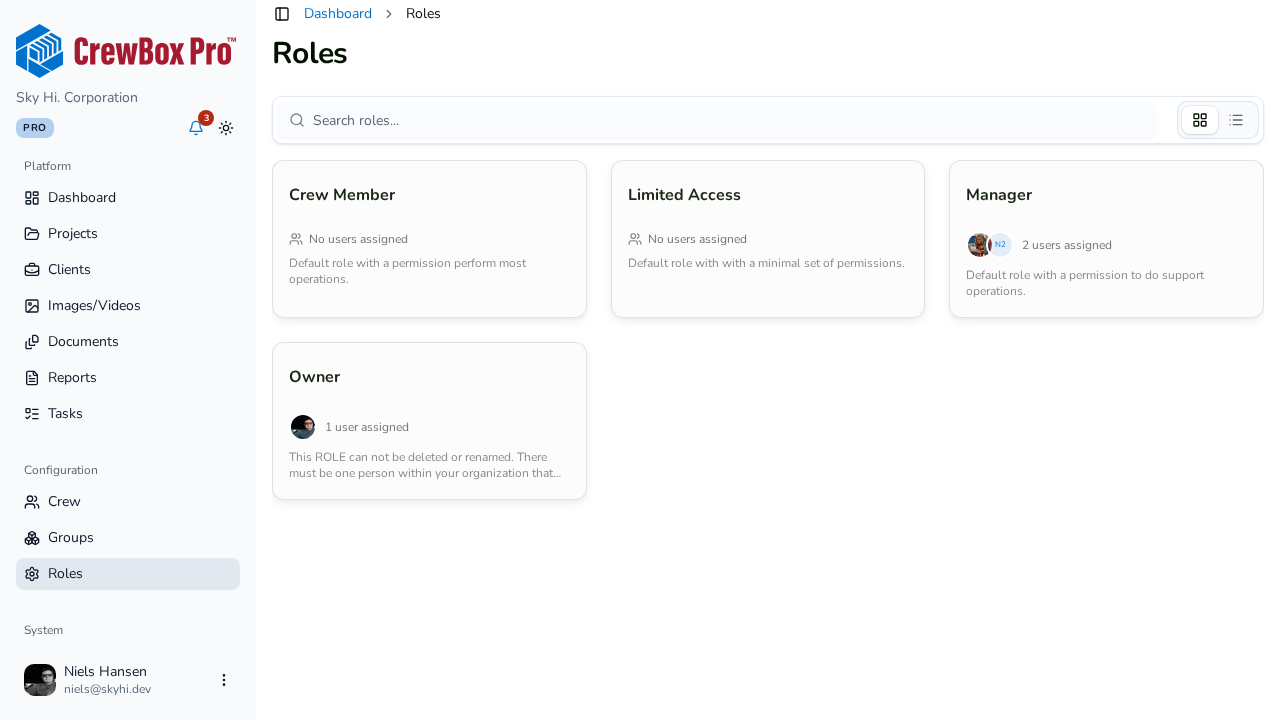
Photo evidence, contracts, and client data deserve real security. CrewBox keeps credentials in hardware-backed storage, signs in through hardened OAuth, and gates destructive actions by role.
Hardware-backed credentials
All tokens and secrets live in the iOS Keychain or Android EncryptedSharedPreferences — never in plain storage.
Hardened sign-in
Google Sign-In runs an OAuth Authorization Code flow with PKCE (S256) and a CSRF state check through the system browser. Tokens never transit an embedded webview.
Session hygiene
Short-lived bearer tokens, a rotating refresh cookie, automatic renewal, and a hard logout that wipes credentials when a session is invalidated.
Role-gated actions
Deleting photos, documents, and comments — or editing others’ content — is limited to project owners, managers, or the content’s creator.
Everything included
- iOS Keychain and Android EncryptedSharedPreferences storage
- Google Sign-In with OAuth Authorization Code + PKCE (S256)
- CSRF state checks through the system browser
- Tokens never pass through an embedded webview
- Short-lived bearer tokens with rotating refresh cookies
- Automatic session refresh and hard logout with credential wipe
- Biometric login keyed to device hardware — disable anytime
- SHA-256 device fingerprints for anomaly detection
- Role-gated deletes, edits, and project cover changes
- Runtime permissions requested only when a feature needs them

One place for every jobsite photo, task, and report. Set up in minutes and see the difference on your next job.
- 30 days free
- No credit card to get started
- Up and running in 5 minutes or less
- No sales calls (we promise)
- Free for solo crews
- iPhone, Android & web