
Steps
1. Open the Assign Projects dialog
There are two ways in:
- On the Clients page, open a client card's menu and click Assign Projects.
- On a client's detail page, open the Projects tab (or the header actions menu) and click Assign Projects.
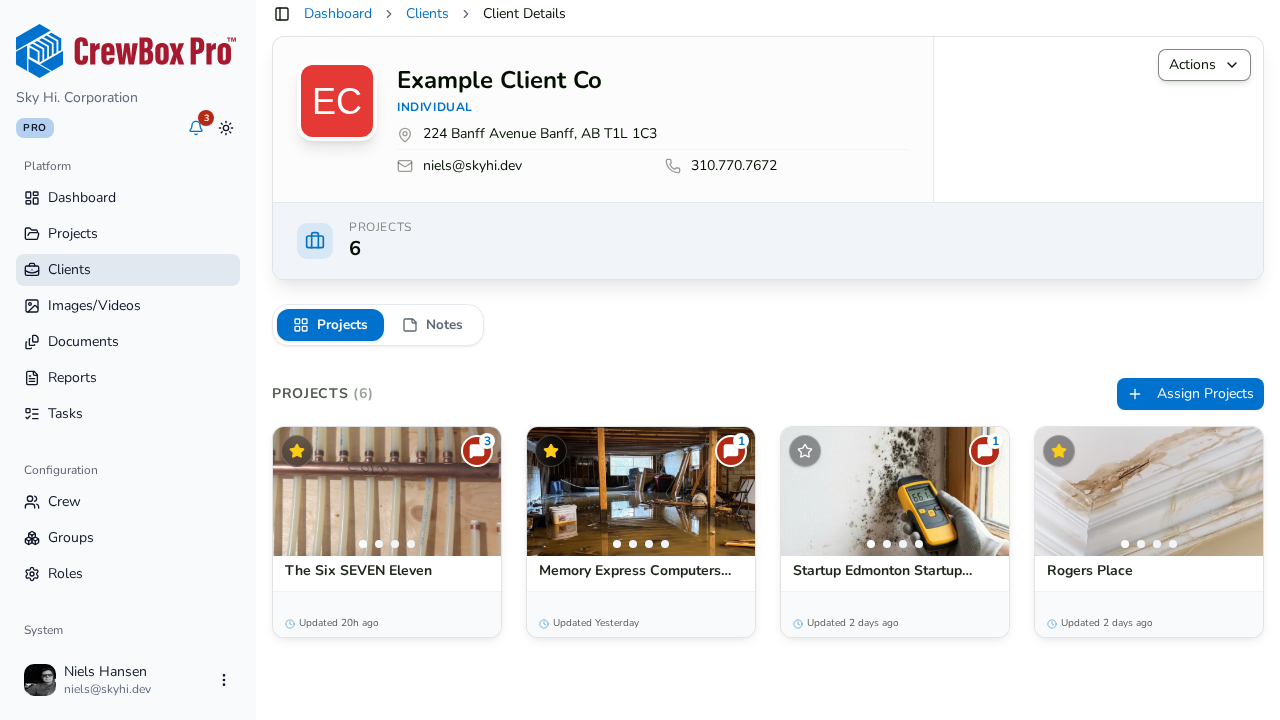
2. Search for projects
Use the search box at the top of the dialog to find projects by name across your whole portfolio.
3. Move projects between sections
The dialog shows two sections:
- Available to Add — projects not yet linked to this client.
- Assigned — projects currently linked to this client.
Click projects to move them between the sections. You can add and remove in the same pass.
4. Save your changes
Click save. CrewBox applies only the differences — newly added projects are linked to the client, and removed ones are unlinked.
5. Verify the result
The client's Projects tab now shows the assigned projects as cards, and the client card's active-project count updates. Use the card menu's View Projects to jump there anytime.