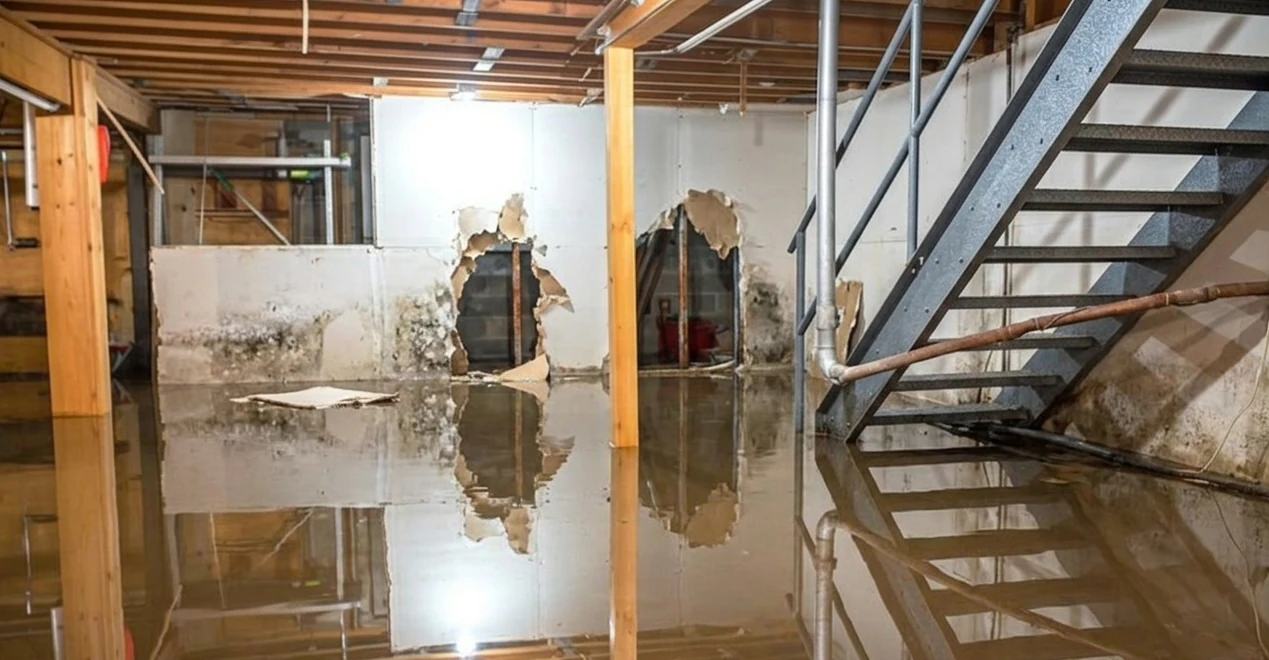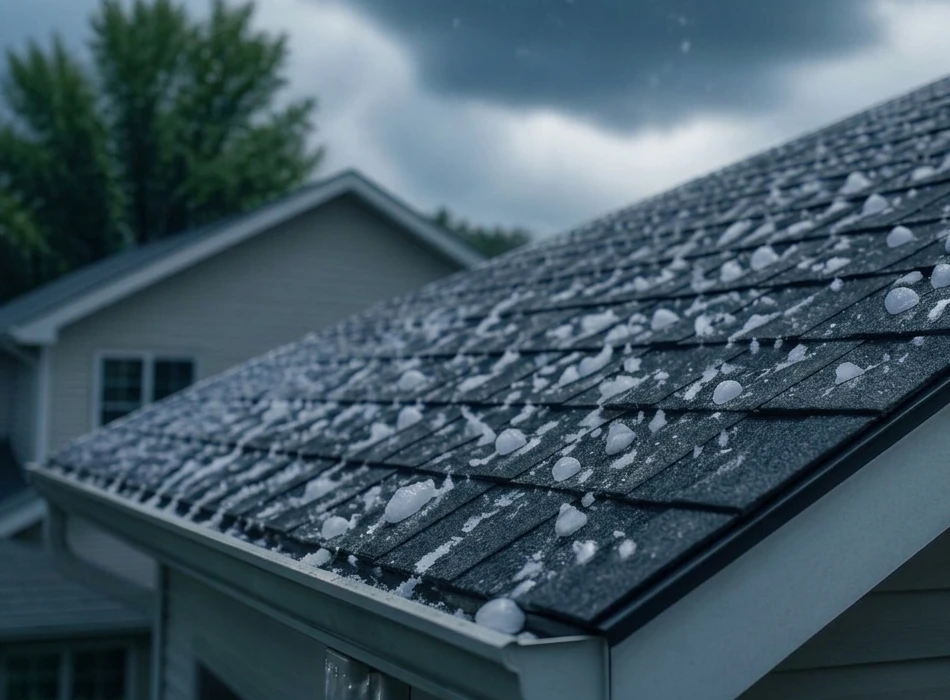
A missed photo can turn into a denied change order. A vague note can turn into a payment argument. And when a client says damage was there before your crew arrived, "we talked about it" will not carry much weight. A daily jobsite log app gives every crew member a fast way to capture what happened, where it happened, and when - while the work is still in front of them.
For trade contractors, the goal is not more admin. The goal is undeniable proof without slowing down the job. A good daily log turns ordinary field activity into an organized record your office, client, insurer, or attorney can understand later.
What a daily jobsite log app should do
A jobsite log is more than a digital diary. It is the running record of labor, conditions, progress, issues, materials, site activity, and completed work. On a roofing job, that may mean documenting existing deck damage before tear-off, weather conditions, and completed flashing details. On an HVAC job, it may mean recording equipment serial numbers, access constraints, and startup results.
Paper forms can work for a single foreman who stays organized. Text threads and camera rolls can work until there is a dispute. The problem is that neither creates a reliable project record when photos live on personal phones, notes get buried, and nobody knows which update belongs to which job.
A field-ready app should organize daily entries by project automatically and preserve the details that make a record credible: timestamps, GPS location, annotated photos or video, crew notes, and assigned follow-up work. It also needs to work offline. Plenty of basements, rural properties, steel buildings, and active commercial sites have weak signal. Crews still need to document the work - and the app should upload everything automatically once the signal comes back.
The record starts before the first tool comes out
The most valuable daily logs often begin at arrival, not at the end of the shift. Before-work documentation establishes site conditions and protects your crew from being blamed for pre-existing problems.
Capture the condition of access routes, landscaping, siding, flooring, driveways, utility areas, adjacent finishes, and any visible damage. Keep the note plain: "Existing crack in driveway at east gate before material delivery." Add a photo that shows the full area, then a close-up if needed. A purpose-built jobsite camera makes this fast: every shot is automatically timestamped, GPS-tagged, attributed to the person who took it, and filed under the right project.
This is not about treating every client like a future lawsuit. It is about running a professional operation. Clear baseline documentation reduces arguments because everyone has the same record. It also helps project managers spot conditions that can affect schedule, scope, and safety before they become expensive surprises.
Build the daily log around real field moments
The fastest system is one that follows the rhythm of the workday. Crews should not have to remember a long form at 5:30 p.m. when trucks need to be loaded and everyone wants to go home. Capture short updates at the point of execution.
A useful daily jobsite log app makes it easy to document four moments: arrival and existing conditions, work in progress, issues requiring a decision, and completed work before the crew leaves. Each entry should take seconds, not minutes.
For example, an exterior crew may photograph the substrate after old cladding is removed, flag rot around a window opening, assign the repair decision to the project manager, then photograph the corrected detail before new material covers it. That sequence protects the contractor, gives the client a clear explanation, and prevents the office from chasing pictures at the end of the week.
The exact details depend on your trade and contract requirements. A commercial contractor may need to document deliveries, subcontractor activity, and site conditions each day. A residential remodeler may need client selections, hidden conditions, and finish photos. Instead of forcing a rigid form, a good app lets you standardize with tags and notes - tag photos by phase, location, or trade as you shoot, so the record stays consistent without crews stopping to fill out paperwork. (See: how to capture photos in the field.)
Photos need context, not just storage
Most contractors already take job photos. The issue is what happens next. A phone camera roll does not tell an office manager whether an image was taken before, during, or after the work. It does not connect a photo to a specific room, elevation, task, or change condition. And it is difficult to use when a client wants answers six months later.
Context turns a photo into evidence. Add a concise note, mark up the image when needed, and attach it directly to the right project record. A circle around a failed pipe fitting, an arrow showing damaged sheathing, or a text label identifying a completed repair can eliminate back-and-forth calls. (How to annotate a photo.)
Be disciplined about quality. Take wide photos to establish the area, then close-ups to show the detail. Photograph concealed work before it is covered. Capture finished work from angles that make the result obvious. If weather, access, or another trade stopped progress, show that too.
Timestamps matter here. In CrewBox Pro, every photo is stamped with the capture time and GPS coordinates automatically, and annotations are drawn on a separate layer - the original photo is never altered. A record is stronger when it shows that documentation was created during the work, not assembled after a dispute starts. You can also stamp the date visibly onto a photo before sharing it.
Put issues in front of the person who can act
A daily log should not become a digital pile of observations. When the crew finds a problem, the record needs to lead to action.
A field note such as "Customer requested relocation of condenser pad" should be tied to a task with an owner and a due date. The crew can create the task right from the photos that show the condition, assign it to the project manager, and set a priority. The PM reviews it, confirms scope, gets approval from the owner, and directs the crew. That creates a clean trail from site condition to communication to completed work. (How to create and assign tasks.)
This matters most with hidden damage, owner changes, delivery problems, failed inspections, and conflicts with other trades. If the issue only lives in a foreman's text message, it can disappear when that person is busy, off work, or no longer with the company. Put it in the project record where the whole team can see the status.
There is a trade-off: not every minor observation needs a task. Creating tasks for every small detail adds noise. Reserve them for work that needs an owner, a deadline, or proof of completion. Everything else can remain a documented field update.
Make reporting useful for clients and the office
Clients do not need a flood of unfiltered job photos. They need proof that their project is moving, clear visibility into important conditions, and confidence that the crew is handling the work professionally.
A polished PDF progress report can show selected photos organized into sections - existing conditions, work in progress, completed work - with captions, notes, dates, and your company logo on the cover, all in one clean document. That is useful for a homeowner who is away during a renovation and for a commercial facilities manager overseeing several locations. It also gives the office a consistent way to communicate without rebuilding updates by hand every Friday. Save the format as a template once, and every report after that takes minutes. (How to build a PDF report.)
Reports should be selective. Send meaningful progress, documented concerns, and completed milestones. Avoid reporting every routine movement on the site unless the contract or customer requires it. Too much information can hide the updates that actually need attention.
CrewBox Pro is built around this field-to-office workflow: capture evidence on the phone, organize it by project, assign what needs action, and generate a client-ready record when the job calls for it.
Set a standard your crew can actually keep
The app will not fix inconsistent habits by itself. Give crews a short, repeatable standard. Ask for arrival photos on jobs with exposure risk, progress photos before work is concealed, a note for every unexpected condition, and completion photos before leaving. Make the expectation clear during onboarding and review real examples from your own jobs.
Foremen and project managers should check logs early, especially during the first few weeks. The point is not to police people over wording. It is to catch missing documentation while the crew can still take the needed photo or clarify what happened.
Keep notes factual. State what was observed, what action was taken, and what remains unresolved. Avoid blame, speculation, or emotional language. "Water damage found beneath flooring at north wall. Photos attached. PM notified. Awaiting owner direction" is stronger than "Floor was a mess because the previous contractor did bad work."
A daily jobsite log app earns its place when it becomes part of how work gets done, not another office requirement crews work around. Capture the truth while it is visible. Organize it before it gets lost. When questions come later, your work will have a record that speaks for itself.
Start your jobsite record today
Every job your crew works without a system is a job with gaps in the record. Sign up for CrewBox Pro and your crew can be documenting the next jobsite from their phones the same day - no training sessions, no new office workflow, no forms to design. Create the account, add your projects, and start capturing.