
One link. A branded gallery your client can open anywhere.
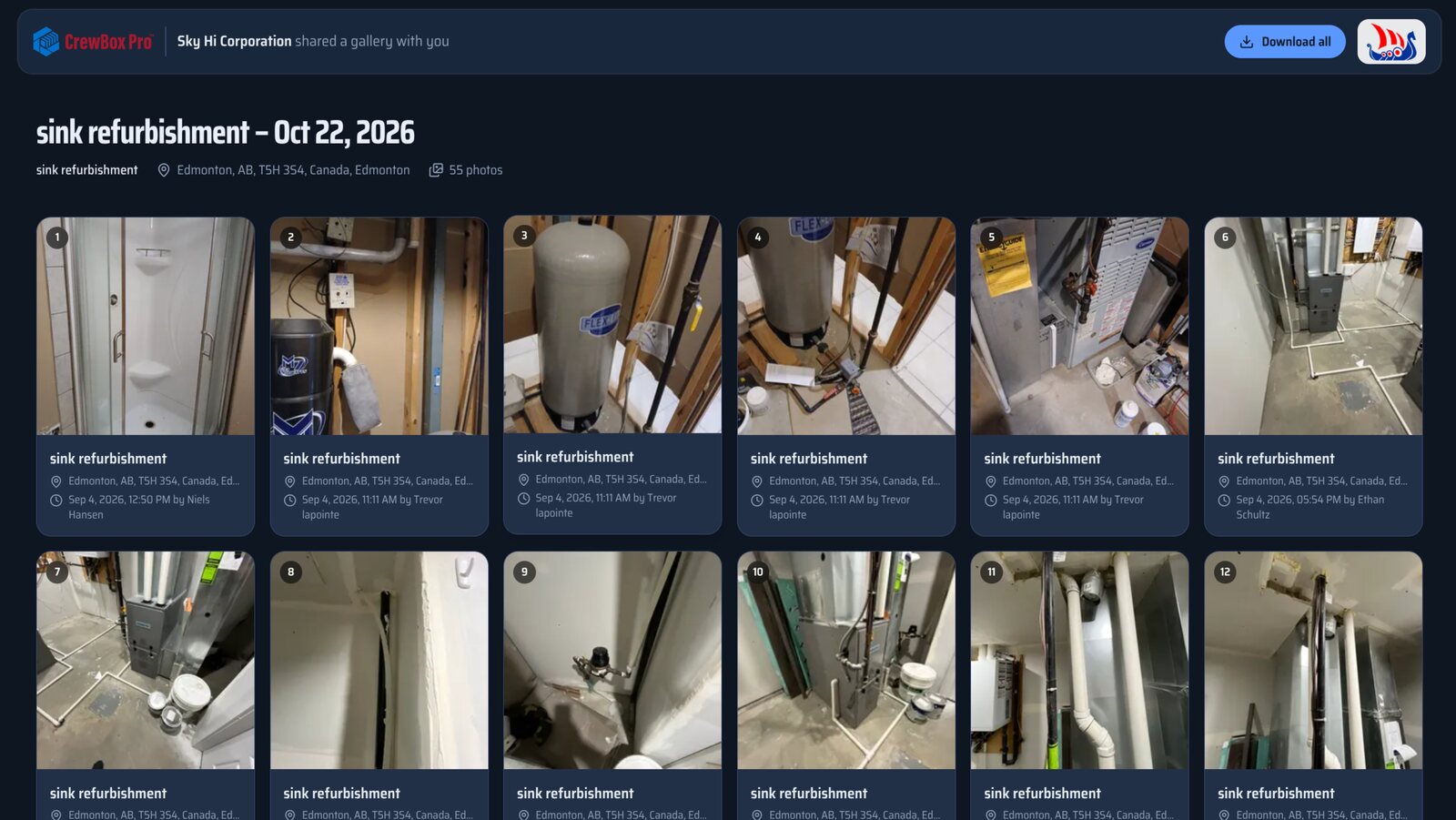
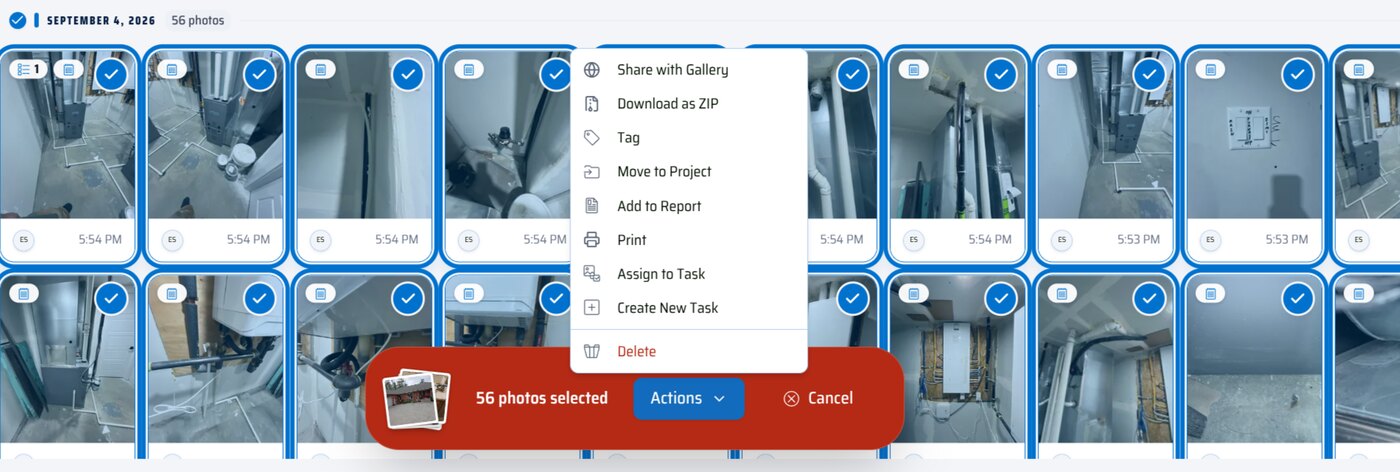
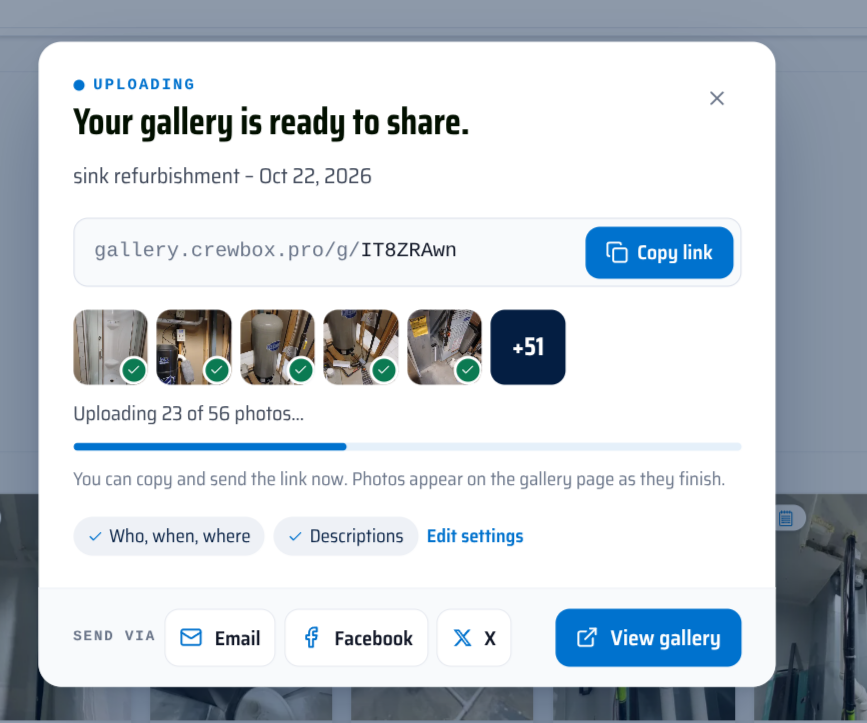
Select the photos, videos and voice notes from a job and share them as a gallery with your logo on it. Clients open it in any browser — no app, no account, no sign-in.
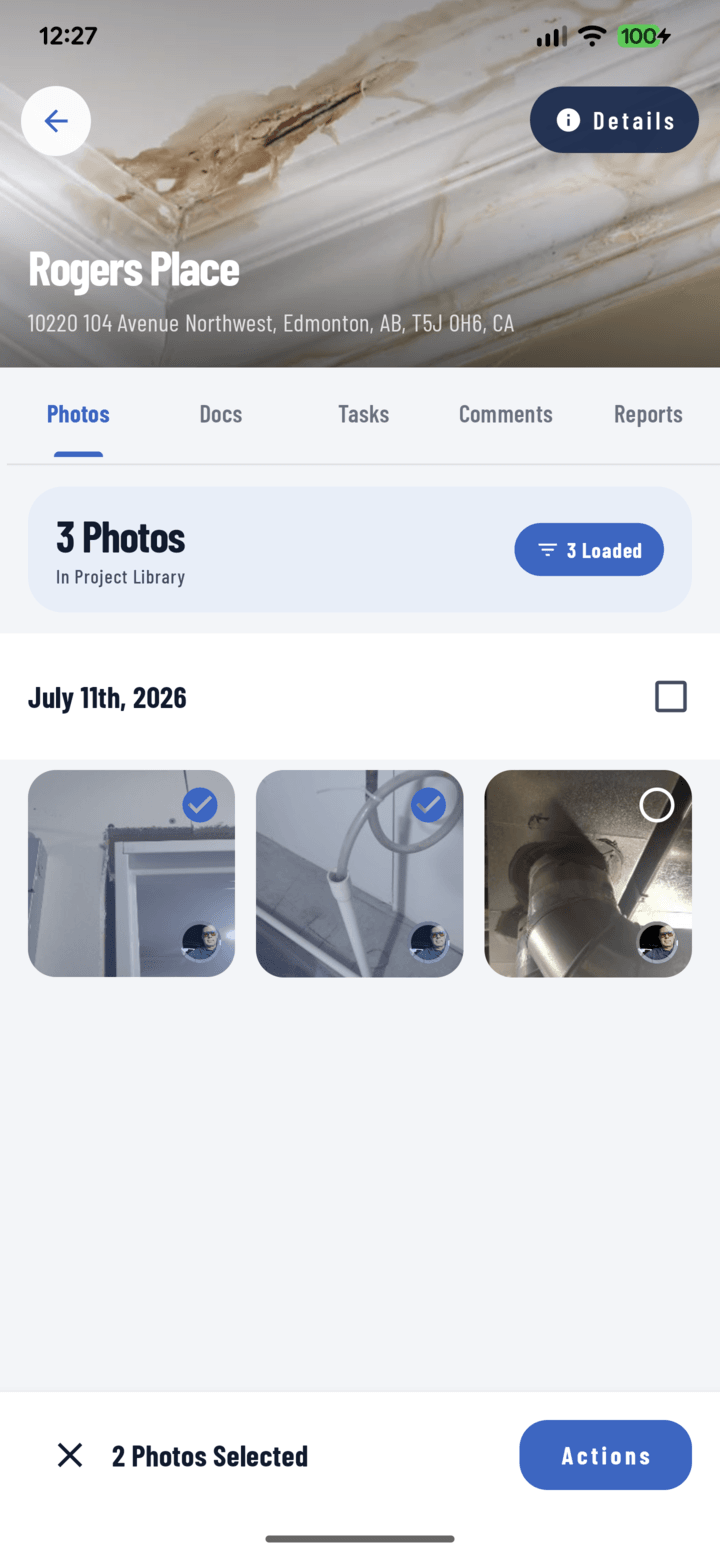
From selected photos to a link in seconds
Branded for your company
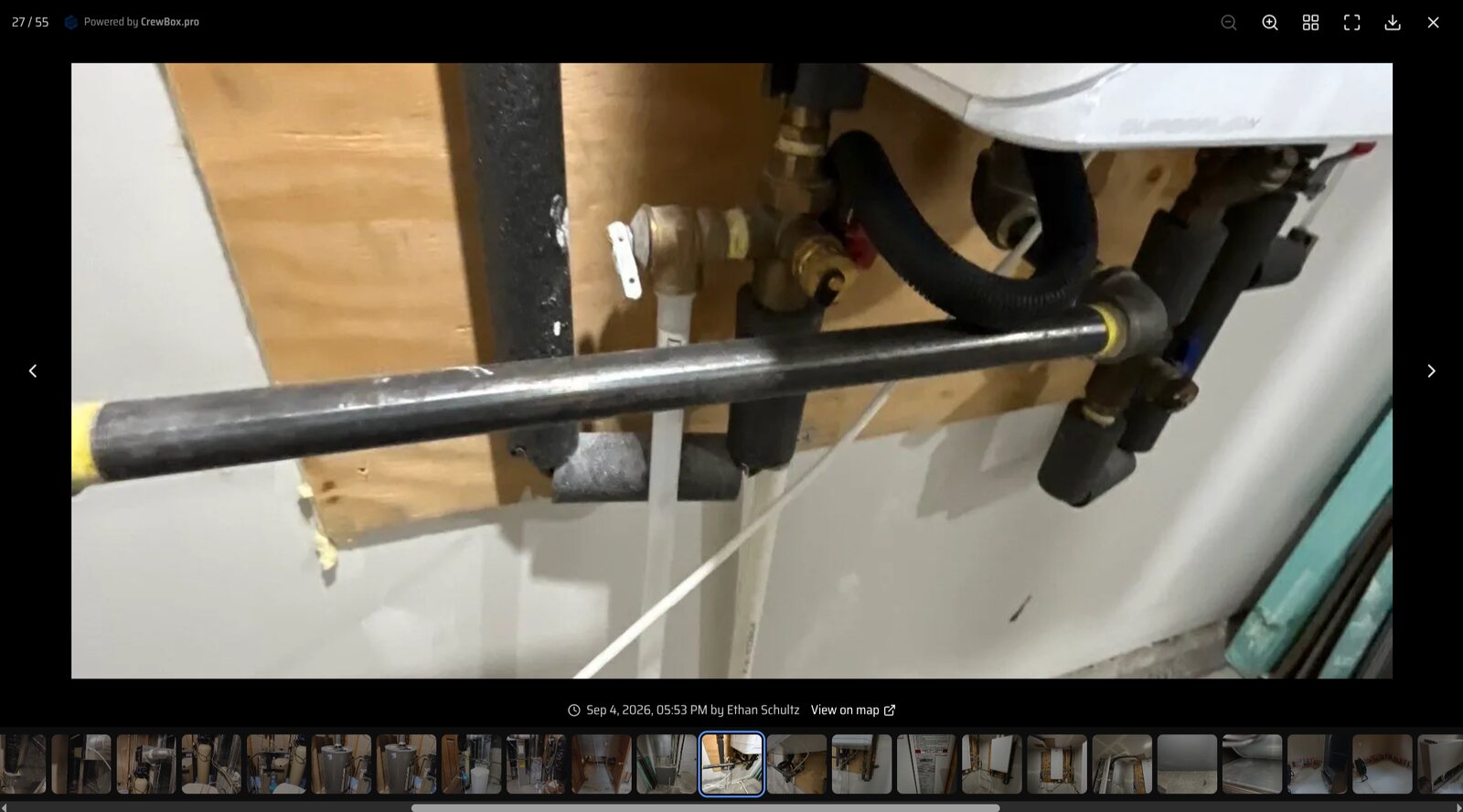
Galleries open on a page with your company logo, the project name, address and client — so the work clearly comes from you.
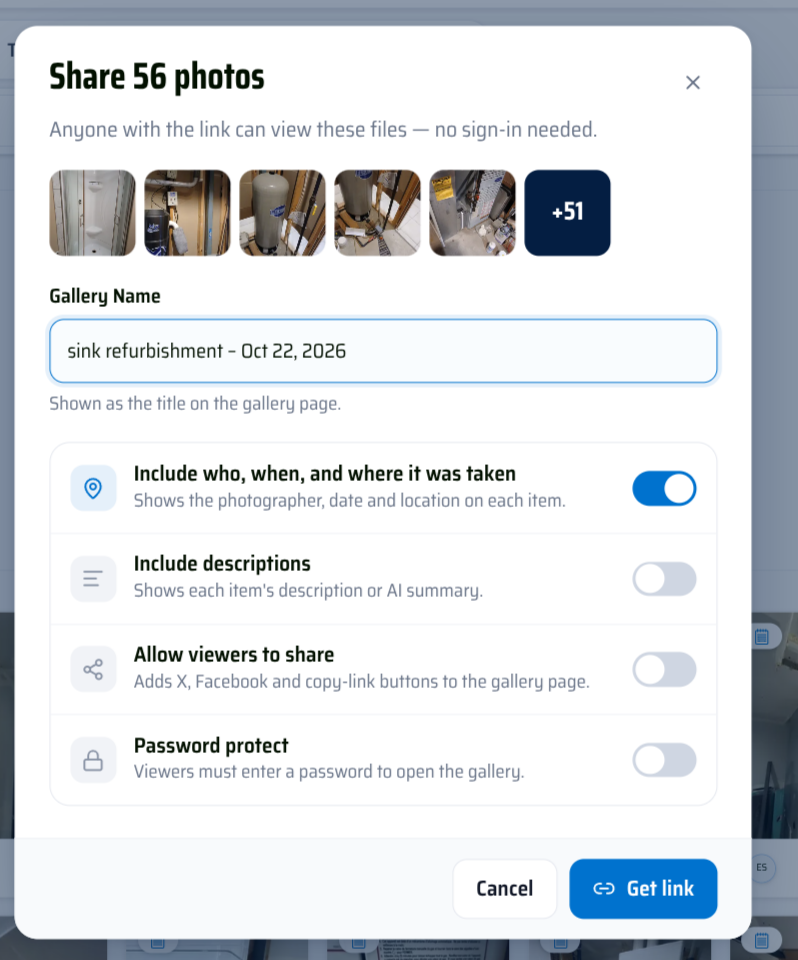
You choose what they see
Include who, when and where each shot was taken, include descriptions, or keep it to the images. Add more items to an existing gallery any time.
Password protection
Lock a gallery behind a password when the photos are sensitive. Repeated wrong guesses are locked out.
Easy to save
Viewers can zoom, go full screen, download a single file or download the whole gallery as a ZIP, and open the job address in Google Maps.
Everything included
- Share photos, videos and voice notes
- No sign-in needed for viewers
- Optional password protection
- Optional who, when and where details
- Download one file or the whole gallery
- Allow or block viewers re-sharing
- Galleries tab on every project
- From the phone or the web console
Each gallery comes from one project and holds up to 500 items.

One place for every jobsite photo, task, and report. Set up in minutes and see the difference on your next job.
- 30 days free
- No credit card to get started
- Up and running in 5 minutes or less
- No sales calls (we promise)
- Free for solo crews
- iPhone, Android & web