
Say it instead of typing it
Gloves on, hands full? Record a voice note straight from the CrewBox camera. It files to the project alongside your photos, ready for the office to play back.
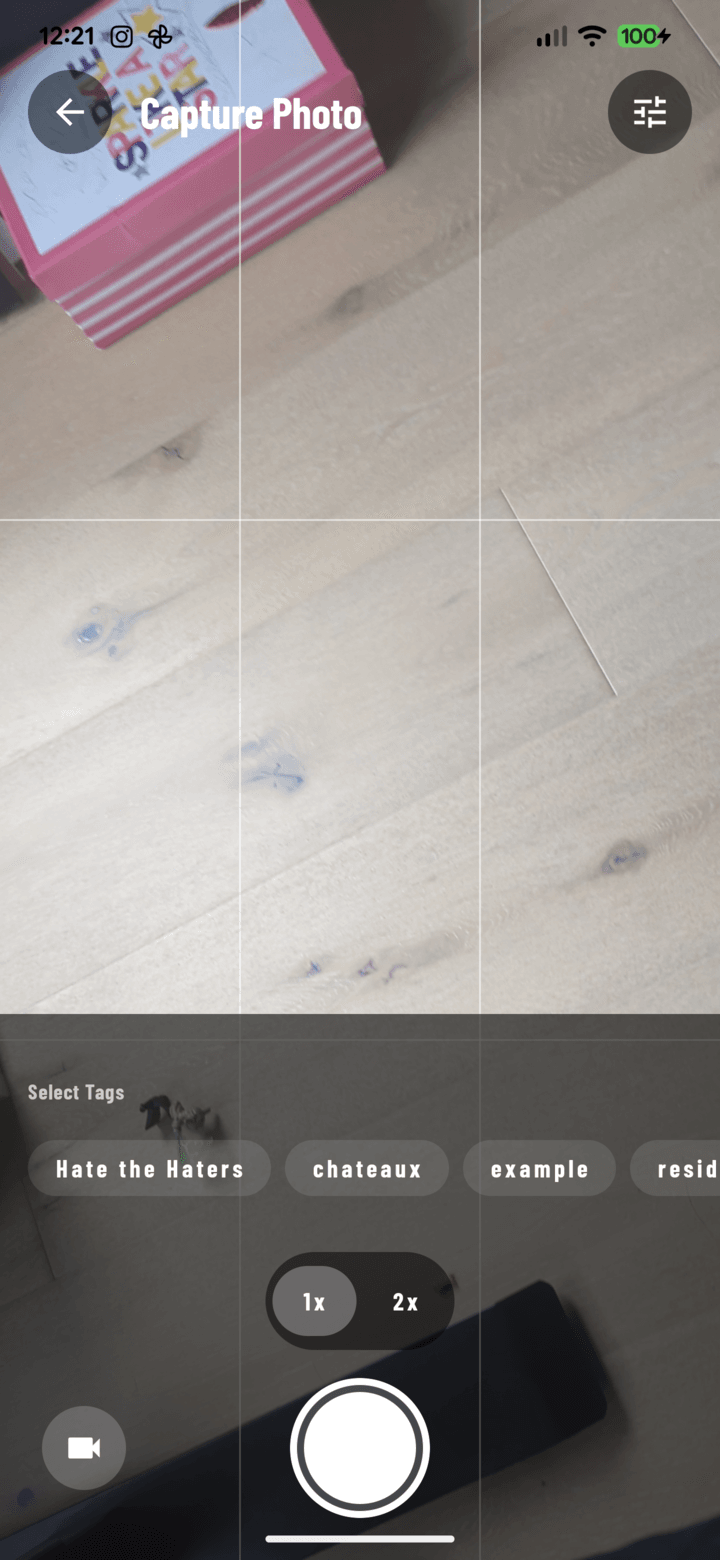
Record from the camera
Switch the camera to audio and talk. No hunting for another app while you're on a ladder.
Filed like a photo
Voice notes upload through the same queue, show as a waveform tile, and can be filtered on their own in the project's media.
Easy to play back
Skip back or forward ten seconds and change playback speed to get through long walkthroughs quickly.
Comment and share
The crew can comment on a voice note, and you can include voice notes in a client gallery.
Everything included
- Audio mode in the camera
- Separate voice note recorder
- Same upload queue as photos
- Audio filter in project media
- Skip and speed controls
- Comments on voice notes
- Share voice notes in client galleries
- Play and upload audio in the web console
Voice notes are recorded in the CrewBox mobile app.

Try CrewBox free
Start your free trial
One place for every jobsite photo, task, and report. Set up in minutes and see the difference on your next job.
- 30 days free
- No credit card to get started
- Up and running in 5 minutes or less
- No sales calls (we promise)
- Free for solo crews
- iPhone, Android & web