
Know which jobs are moving — and which have stalled
Every project gets an overview built from the work your crew logs: a health score, task status, daily and weekly breakdowns, and who did what. No spreadsheets, no extra data entry.
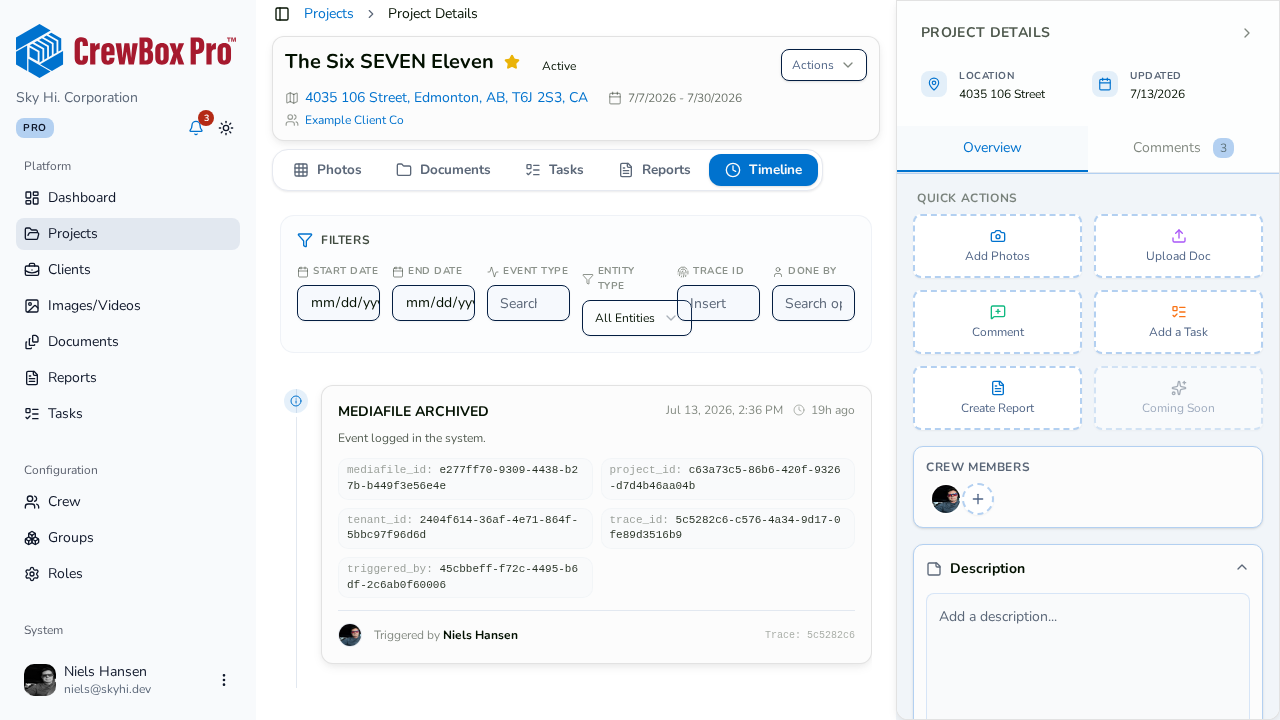
A health score for every job
Each project is rated Healthy, Steady, Needs attention or Stalled from its recent activity and task completion, so slipping jobs stand out.
Daily breakdowns
Open any day to see what was updated, which crew members were on it, the busiest hour, and an hour-by-hour view.
Weekly rhythm
See how many days a week the job was active and which day carried the load — handy for weekly owner updates.
Contribution by crew
See what has been worked on — photos, tasks, documents and more — and how much each crew member contributed.
Everything included
- Health badge on every project
- Days running, active days and longest streak
- Tasks past due, due today, this week and done
- Daily pages with hourly activity
- Weekly pages with days active
- Highlights like busiest weekday and momentum
- Full activity timeline
- In the CrewBox web console
Insights are built from project activity. They do not track costs, budgets or hours.

One place for every jobsite photo, task, and report. Set up in minutes and see the difference on your next job.
- 30 days free
- No credit card to get started
- Up and running in 5 minutes or less
- No sales calls (we promise)
- Free for solo crews
- iPhone, Android & web