
See who's on the job, right now
CrewBox shows who else is looking at the same project, photo, document, task or report, and new work from the crew appears the moment it lands. The office and the field stay on the same page without a single phone call.
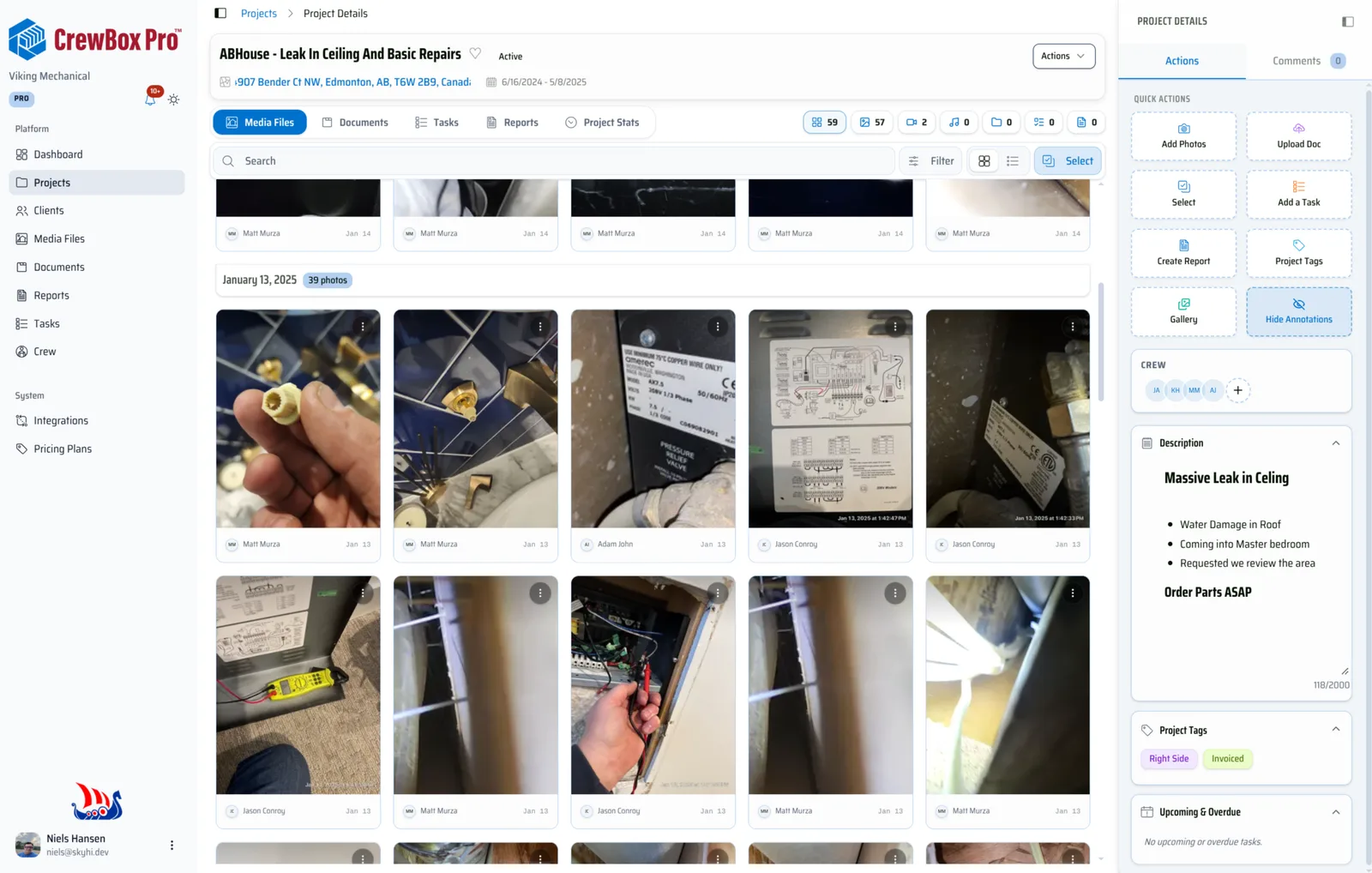
Faces where the work is
Avatar stacks show who is viewing a project, photo, document, task or report, with status like “Online now” or “editing a report”.
See comments coming
A typing indicator shows when someone is writing a comment, so replies don't cross.
Changes arrive live
When the crew adds or changes photos, documents, tasks, reports, projects or comments, your screen updates without a refresh.
Reach anyone in a tap
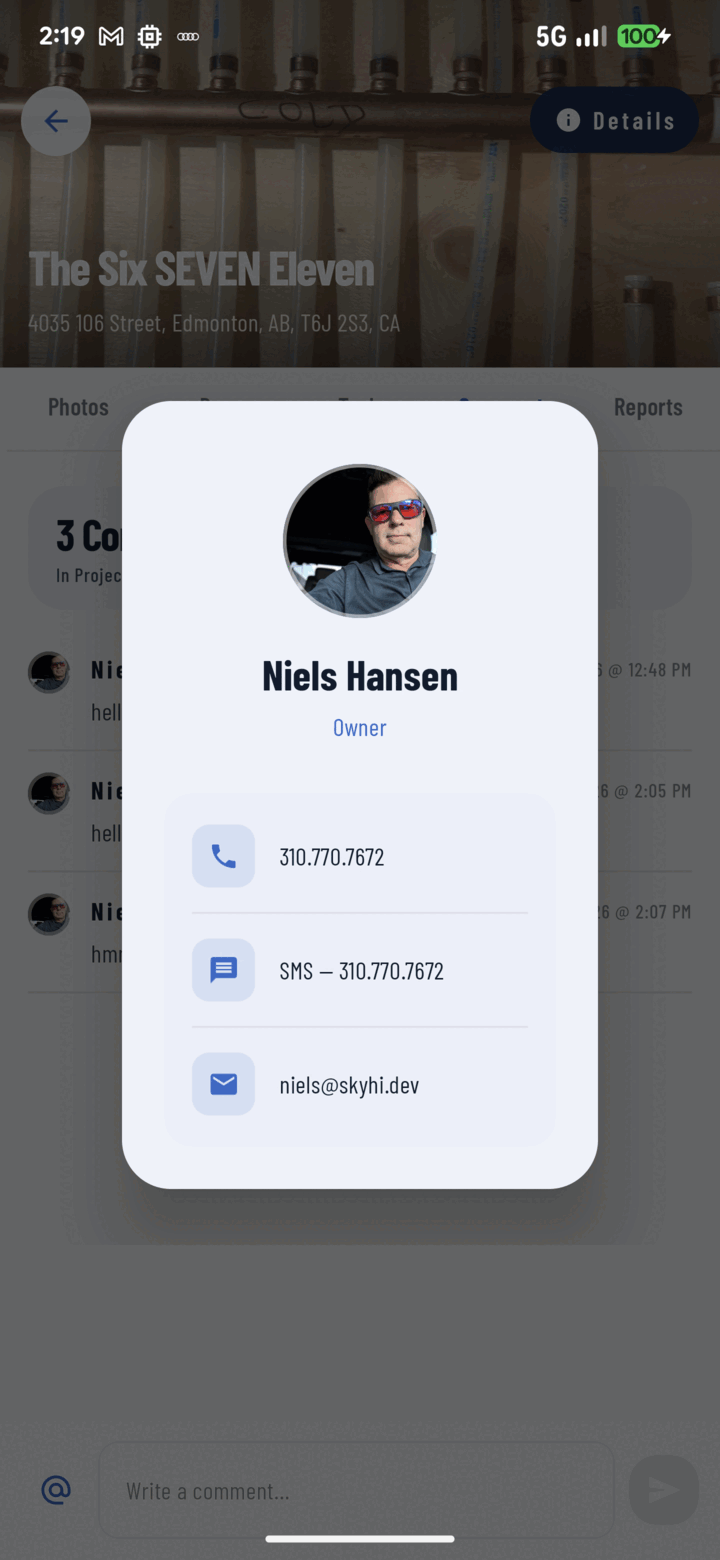
On the phone, press and hold a crew member's avatar to call, text or email them from their contact card.
Everything included
- Who's viewing on projects, photos and documents
- “Also viewing” on photo details
- Typing indicator in comments
- Live updates without refreshing
- Live preview while editing reports
- Filter the crew by who's online (web)
- Contact card on press and hold (mobile)
- On the phone and the web console
Presence shows who is online now; it does not keep a history of who was online.

One place for every jobsite photo, task, and report. Set up in minutes and see the difference on your next job.
- 30 days free
- No credit card to get started
- Up and running in 5 minutes or less
- No sales calls (we promise)
- Free for solo crews
- iPhone, Android & web