
Pin the job site once. Photos file themselves.
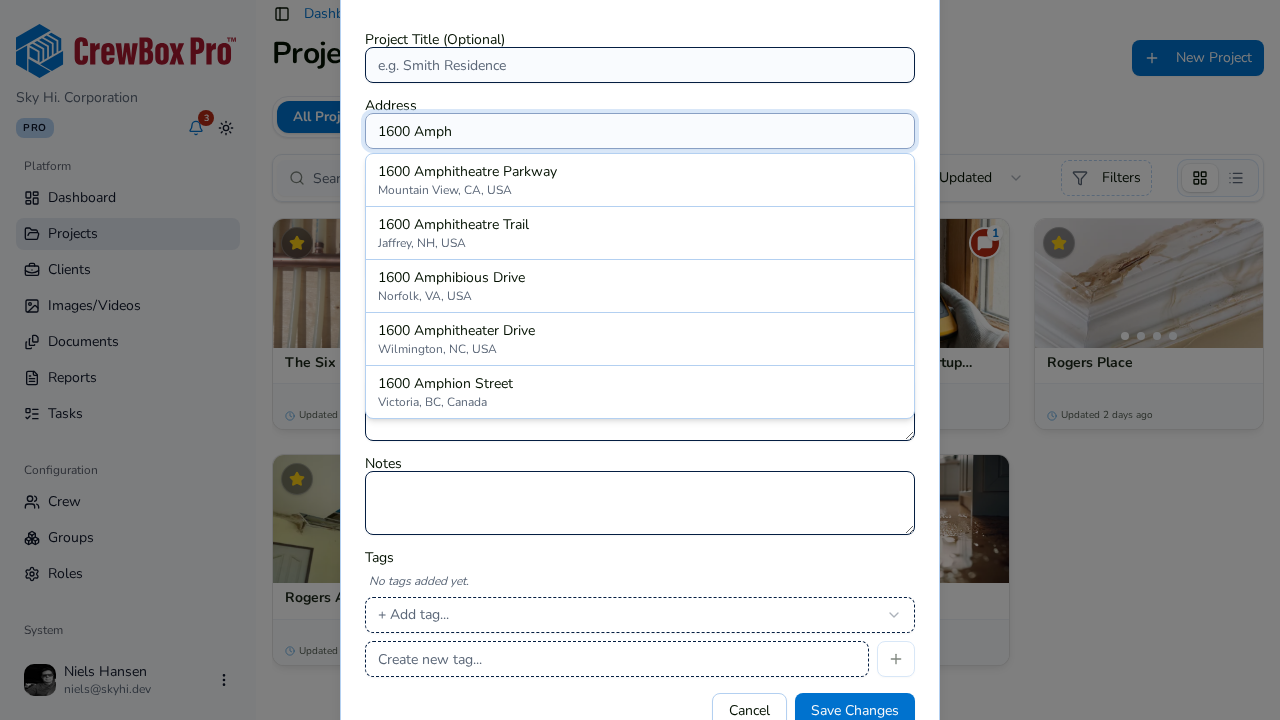
Every CrewBox project knows where it is. Type a few letters, use your current location, or drop a pin on the map — then photos taken on site file to the right project automatically.
Addresses that fill themselves
Start typing and pick the address from suggestions, filtered to your country. No more typos in the job address.
Use where you're standing
On the phone, tap “Use my current location” and choose the address you're at.
Drop a pin
In the web console, pick the job site on a map — with satellite view — for rural lots and new builds without a street address yet.
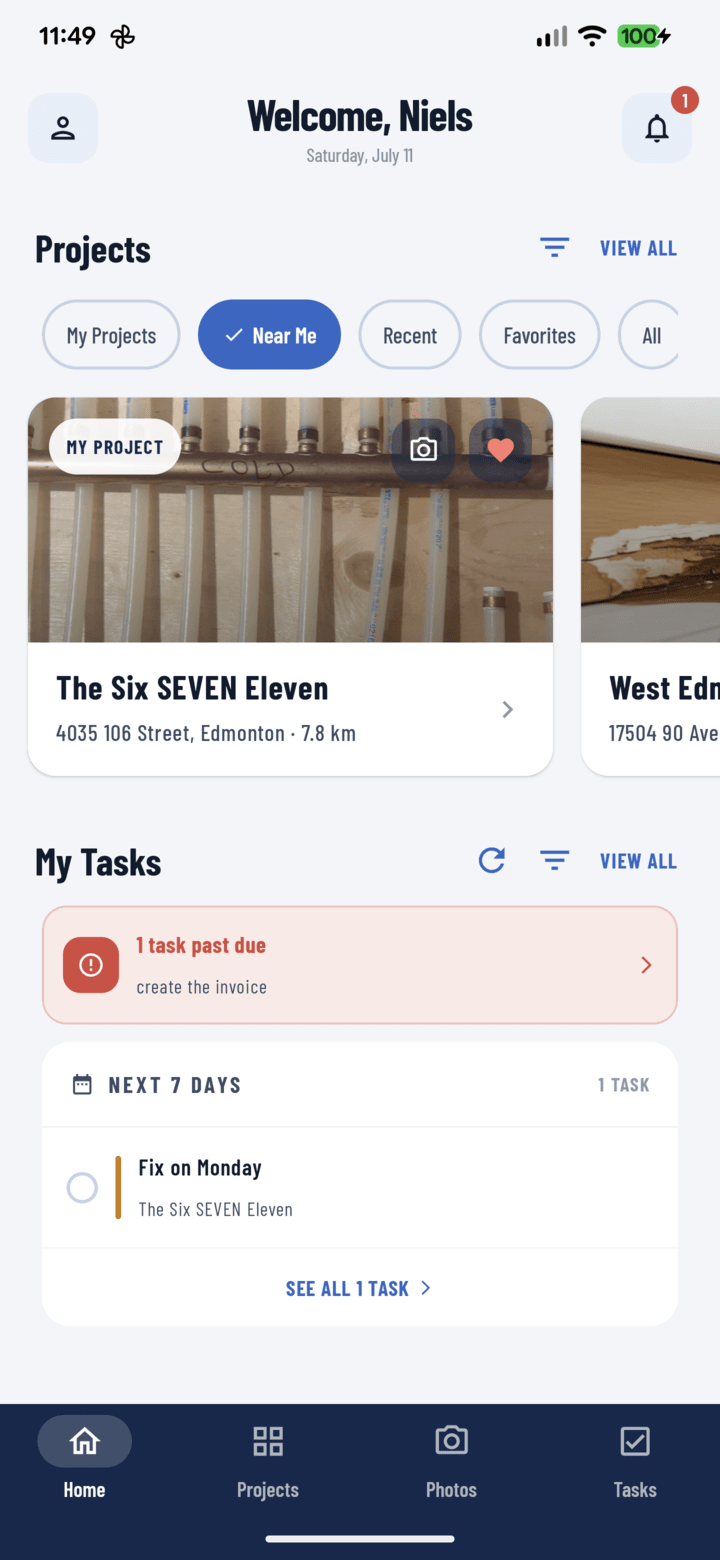
Near Me
Open the projects closest to you first, sorted by distance in miles or kilometres.
Everything included
- Address autocomplete on web and mobile
- Fill the address from GPS on the phone
- Map pin picker with satellite view (web)
- Near Me projects sorted by distance
- Open any project in Google Maps
- Photos taken on site file to the project
- Miles or kilometres by region
- Works for US and Canadian addresses
The map pin picker is available when creating a project in the web console.

One place for every jobsite photo, task, and report. Set up in minutes and see the difference on your next job.
- 30 days free
- No credit card to get started
- Up and running in 5 minutes or less
- No sales calls (we promise)
- Free for solo crews
- iPhone, Android & web