
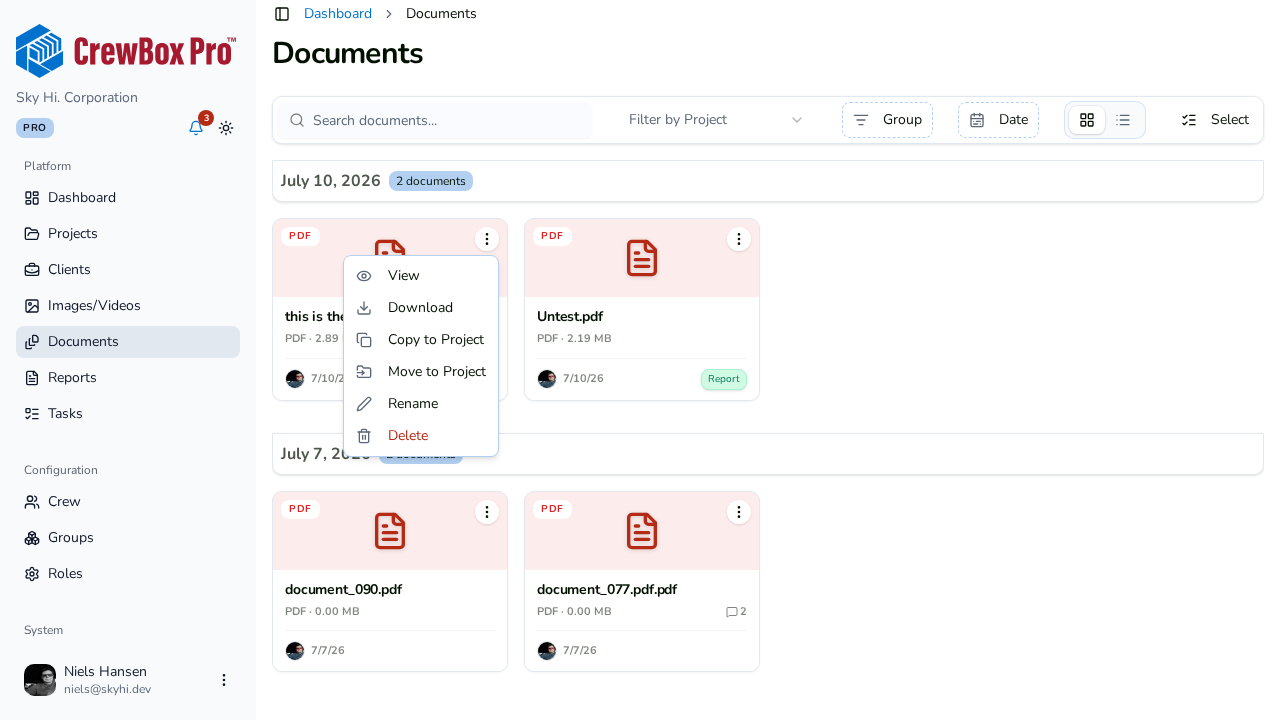
Rename from the document card
- Open your project's Documents tab and find the document.
- Click the document's action menu.
- Click Rename.
- Enter the new name and confirm.
Rename from the document viewer
- Click the document to open it in the full-screen viewer.
- In the sidebar, click the pencil icon next to the document name.
- Type the new name.
- Press Enter to save.
Rename from a selection
In multi-select mode, Rename is also available as a bulk action — but only when exactly one document is selected.
Where else this works
Renaming works the same way on the global Documents page, so you can clean up file names across every project from one place.