
From the Document Viewer (single document)
- Open the project → Documents tab → tap the document.
- In the viewer, open the action sheet and tap Print.
- The system print screen opens — choose printer, copies, and paper, then print.
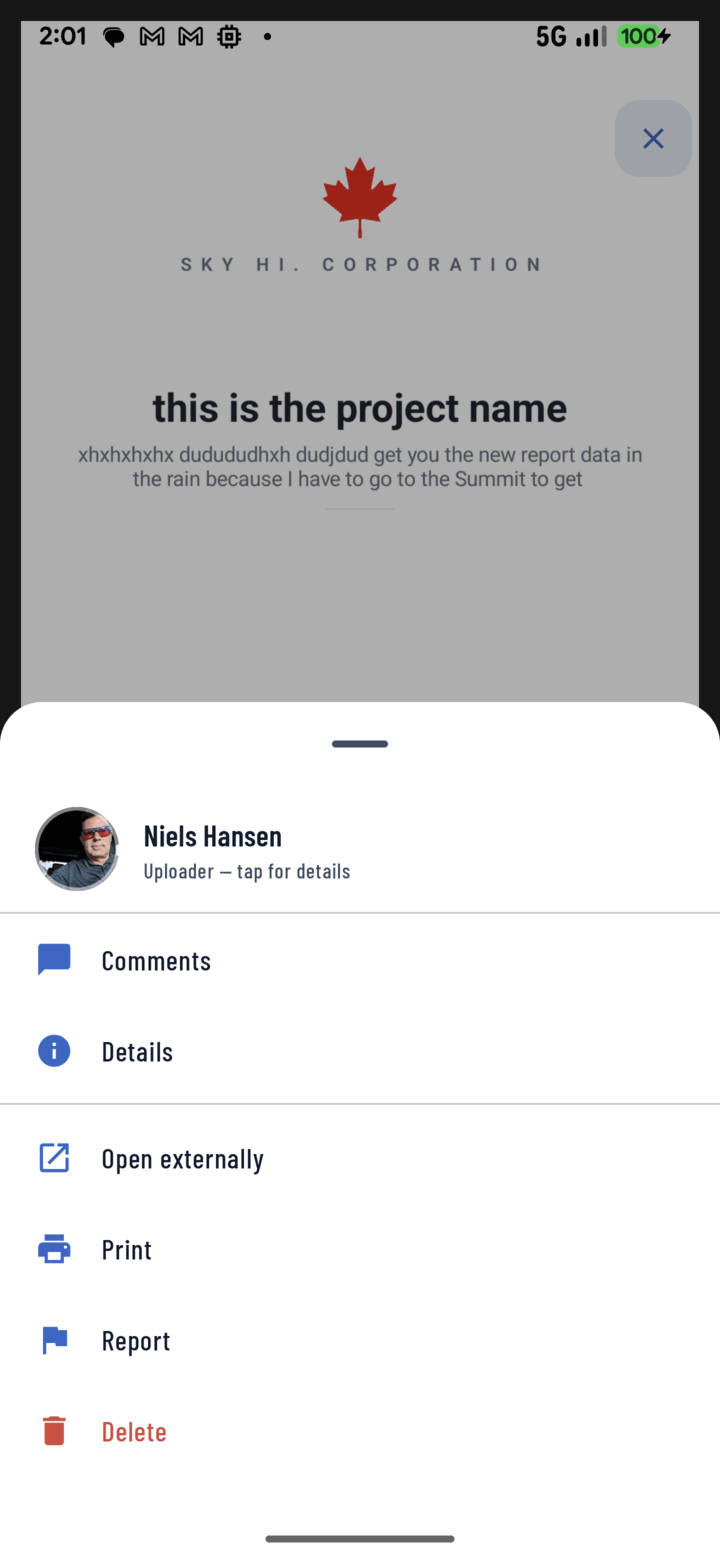
From an open document's action menu, tap Print to send it to a connected printer.
From the List (one or several)
- In the Documents tab, long-press a document to enter selection mode.
- Select the documents you need.
- Actions sheet → Print.
Common Uses
- A paper copy of the permit for the site office wall
- The current plan sheet for a sub without a tablet
- A generated progress report for a client meeting (save the report to Documents first, then it prints like any file)