
Merge Two Projects
- Open one of the two projects.
- In the project header, open the actions menu and click Merge Project.
- Pick the other project you want to merge with.
- Choose which project is the primary — the one that's kept. Everything consolidates into it.
- Decide whether to delete the other project after merging. This option is on by default; turn it off if you want to keep the emptied project around.
- Confirm the merge.
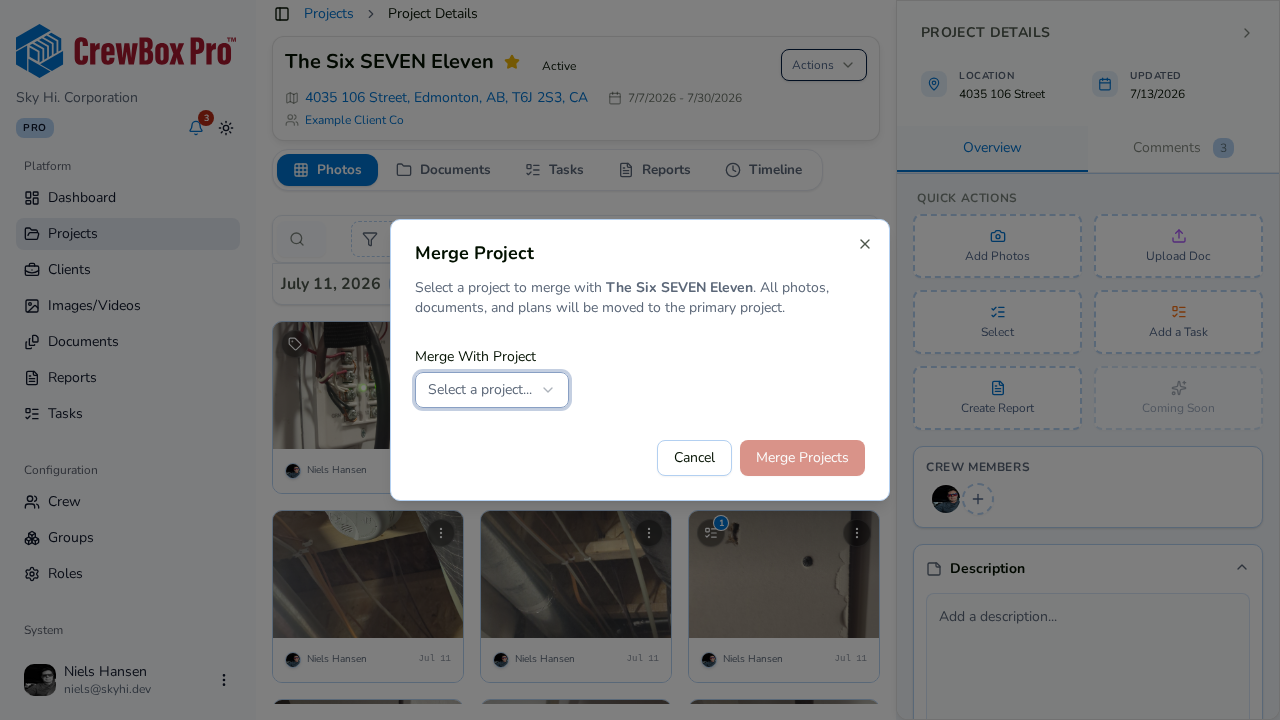
Media, documents, and history from both projects consolidate into the primary.
Tips
- Choose the primary carefully — its name, address, and details are what survive. If the other project has the better details, make that one the primary instead.
- Deleting the secondary project keeps your Projects list free of duplicate shells; most merges should leave it enabled.