
Two Ways to Favorite
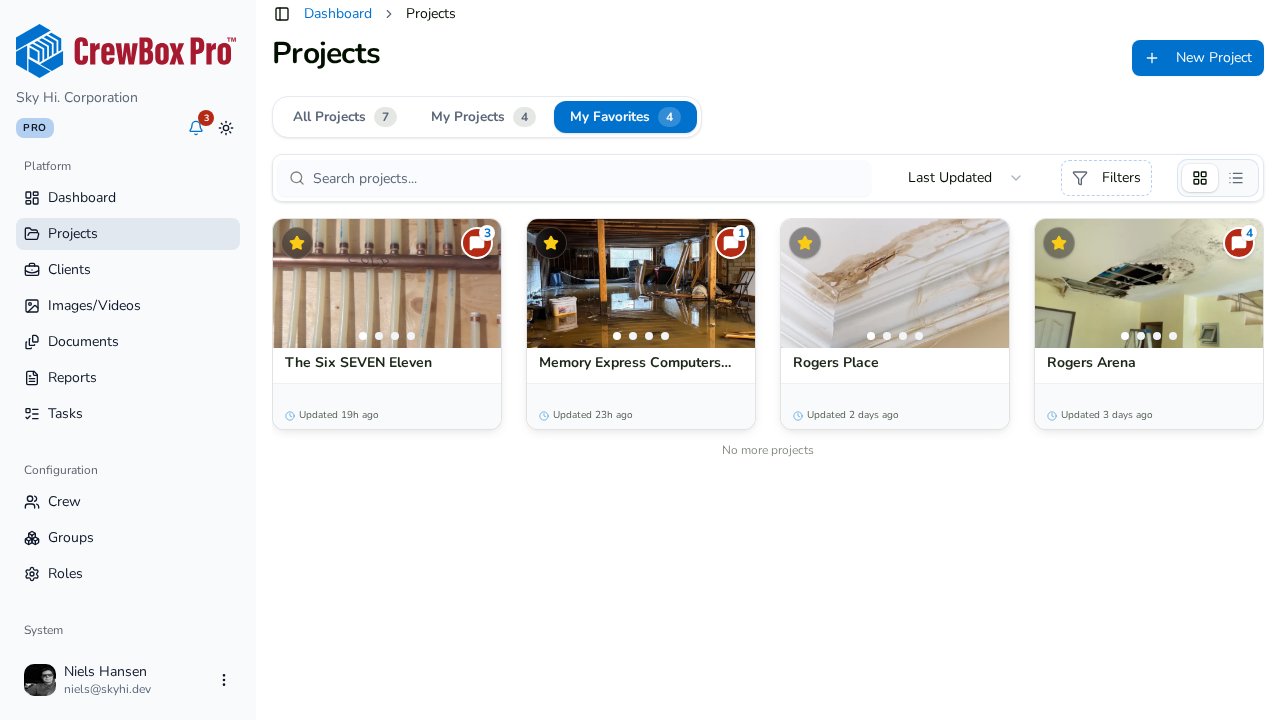
From the Projects list:
- Go to the Projects page.
- Find the project's card (or list row) and click its star icon.
From inside a project:
- Open the project.
- Click the star next to the project name in the header — or open the actions menu and choose Favorite.
The change applies instantly everywhere; click the star again any time to unfavorite.
Use Your Shortlist
Click the My Favorites tab at the top of the Projects page to see only your bookmarked jobs. The tab shows a live count, and favorites are personal — your stars don't change anyone else's list.