
Two Ways to Open the Map
Click the address:
- Open the project.
- In the project header's meta row, click the address.
- Google Maps opens in a new tab, centered on the job site — your CrewBox tab stays put.
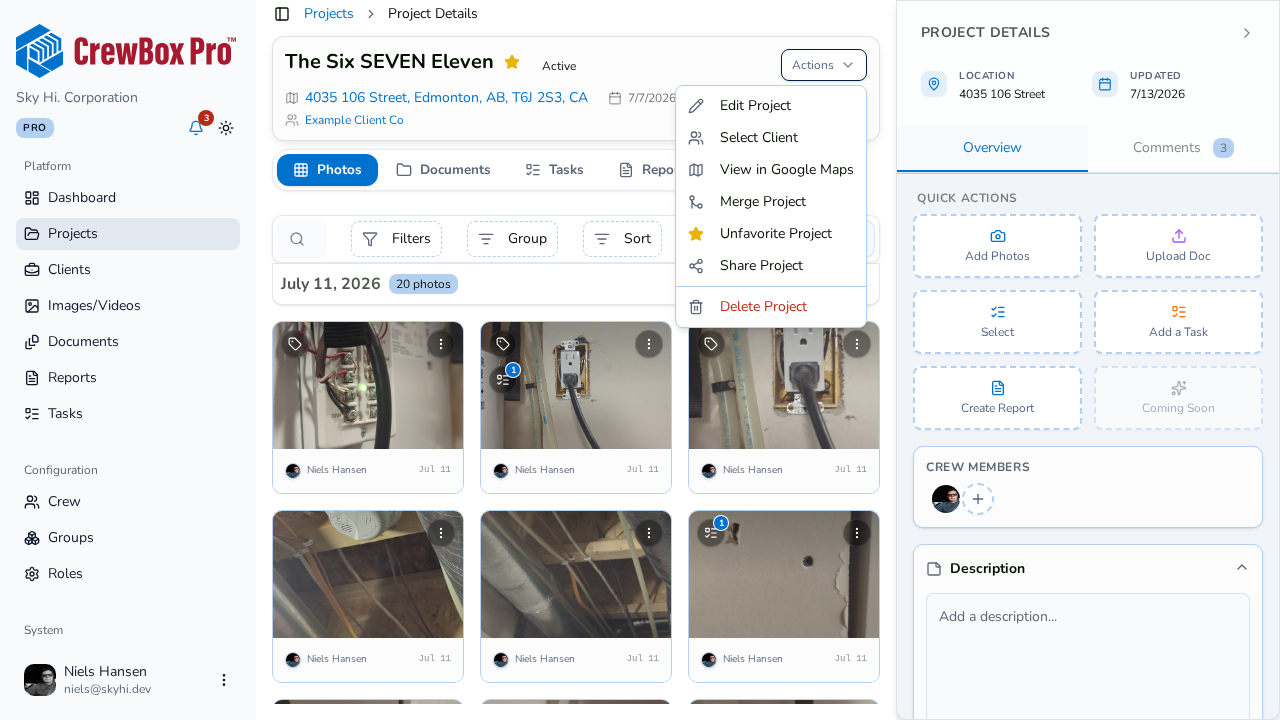
Use the actions menu:
- Open the project.
- Open the actions menu in the header and click View in Google Maps.
Get the Best Results
The map location comes from the project's address and GPS coordinates. Projects created with address autocomplete carry verified coordinates pinned at creation, so the map lands exactly on the site — one more reason to pick a suggestion instead of typing the address freehand.