
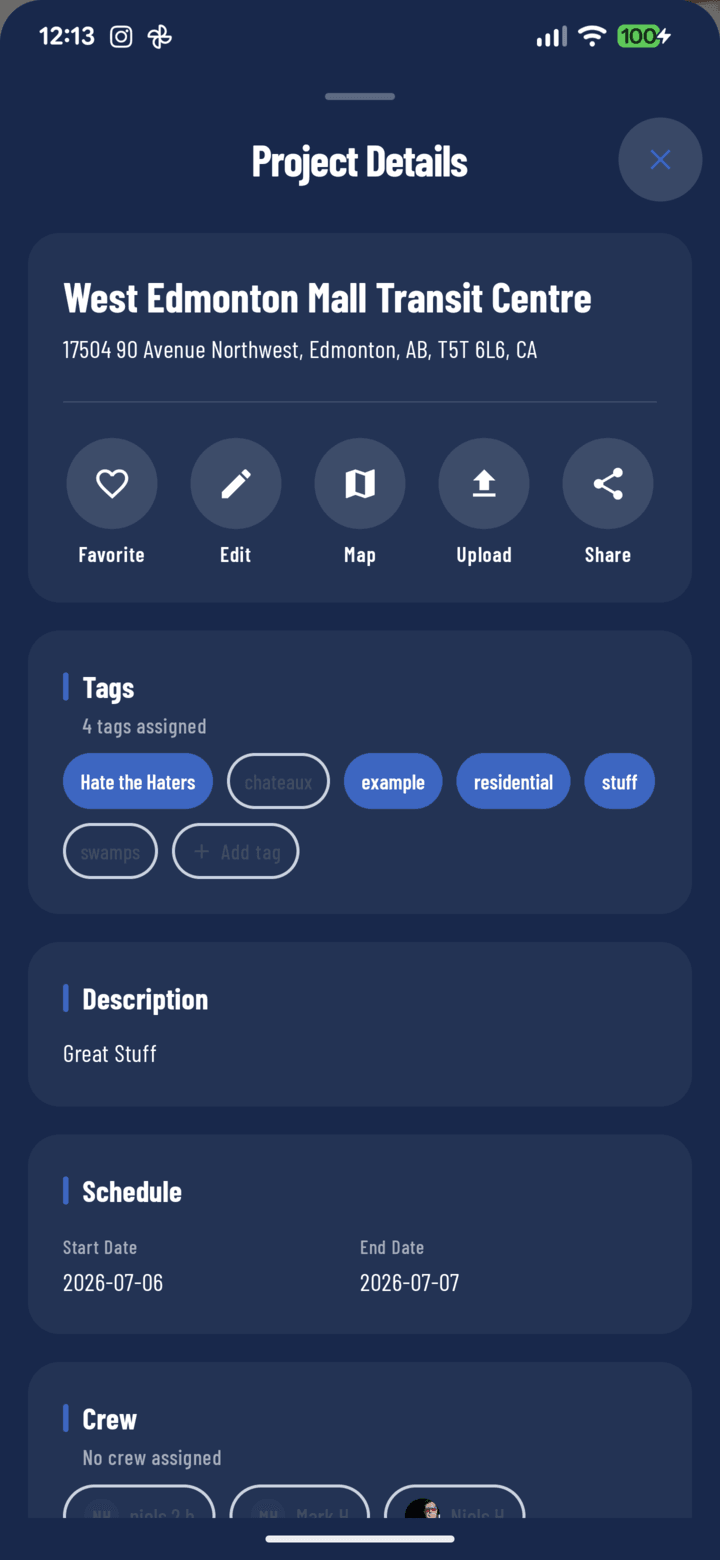
The Map button in the details sheet's action row
Steps
- Open the project (from Home, the Projects tab, or a notification).
- Tap the Details pill under the project header.
- Tap Map in the action row.
- Your phone's maps app opens on the project's address — start navigation there (Google Maps on Android; Apple Maps or your default on iOS).
Where the Location Comes From
The Map button uses the address (and GPS pin) set when the project was created — which is why picking a verified autocomplete suggestion at setup matters (guide). Fix a wrong pin any time with Edit project.
Finding the Closest Job First
Not sure which site to hit next? Use the Near Me filter on Home or Projects — it sorts your projects by distance from where you're standing and labels each card with how far away it is. Pick the closest, then Details → Map for directions.