
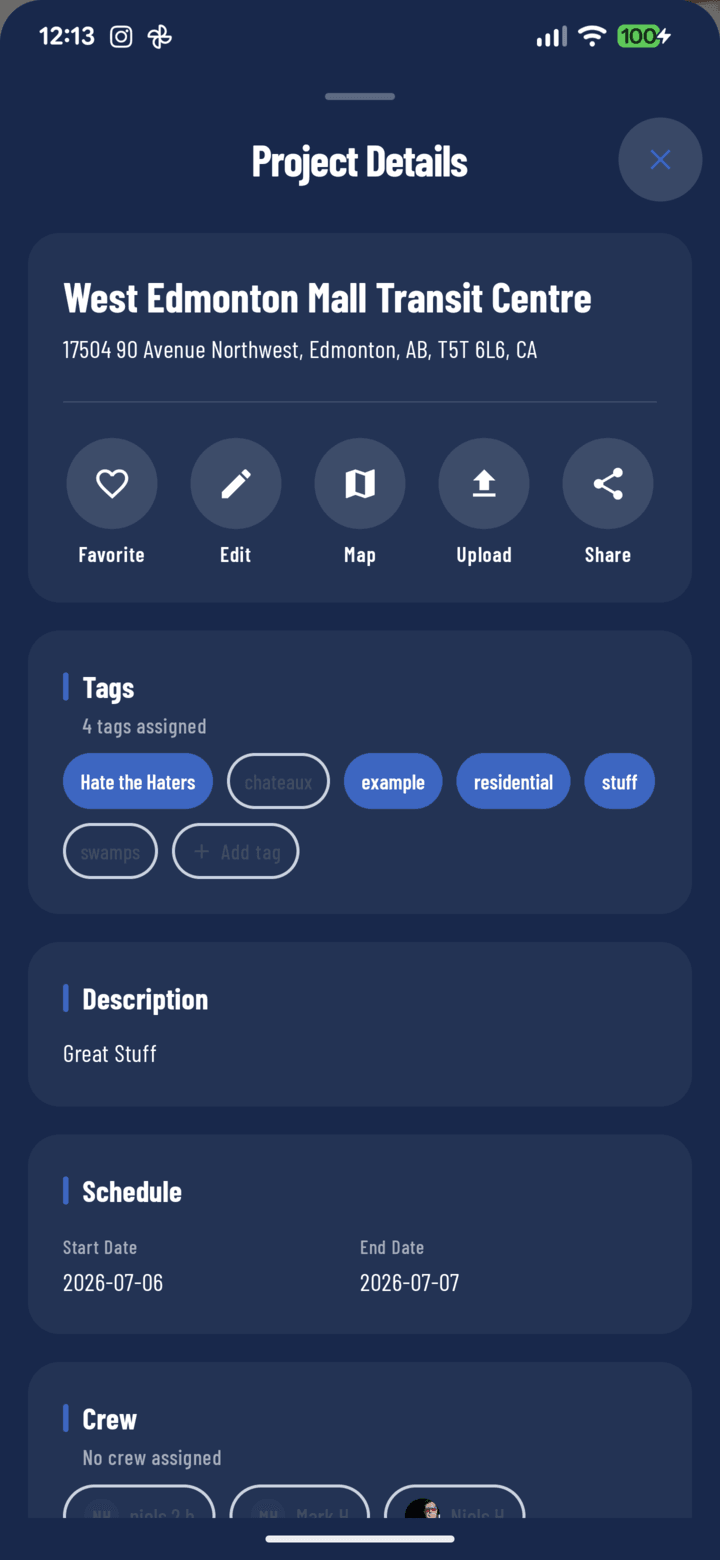
The Project Details sheet: action row, tags, description, and schedule
Opening It
Open any project, then tap the Details pill under the project's hero header. The sheet slides up over the screen; swipe down or back out to close.
The Action Row (top of the sheet)
| Button | What it does |
|---|---|
| Favorite | Toggle the project on/off your bookmarked shortlist (guide) |
| Edit | Open the project form to change name, address, or schedule (guide); disabled while the project is pending offline sync |
| Map | Open the project's address in your maps app for directions (guide) |
| Upload | Import photos/videos from your device gallery into the project |
| Share | Send the project via the native share sheet |
The Cards (scroll down)
- Tags — the project's labels: toggle existing tags, add new ones, then Update (guide).
- Description — the free-form project brief from setup: scope notes, gate codes, client context.
- Schedule — start and end dates at a glance.
- Crew — who's assigned: tap operator chips to assign/unassign, then Update (guide).
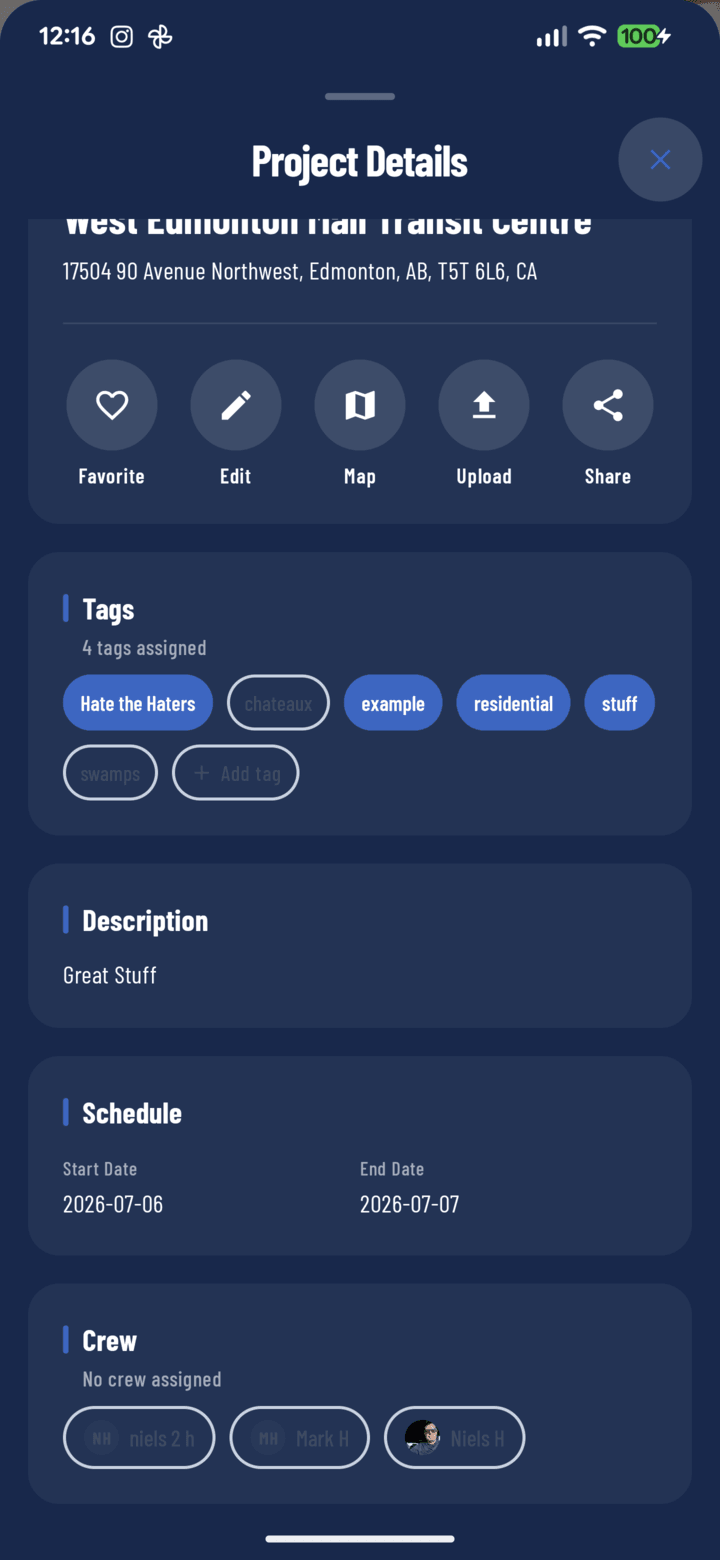
The Crew section of the details sheet
Tips
- The sheet is the management surface; the tabs behind it (Photos / Documents / Tasks / Comments / Reports) are the work surfaces.
- Recurring site info (gate codes, lockbox numbers) belongs in the Description — it doesn't scroll away like comments do.