
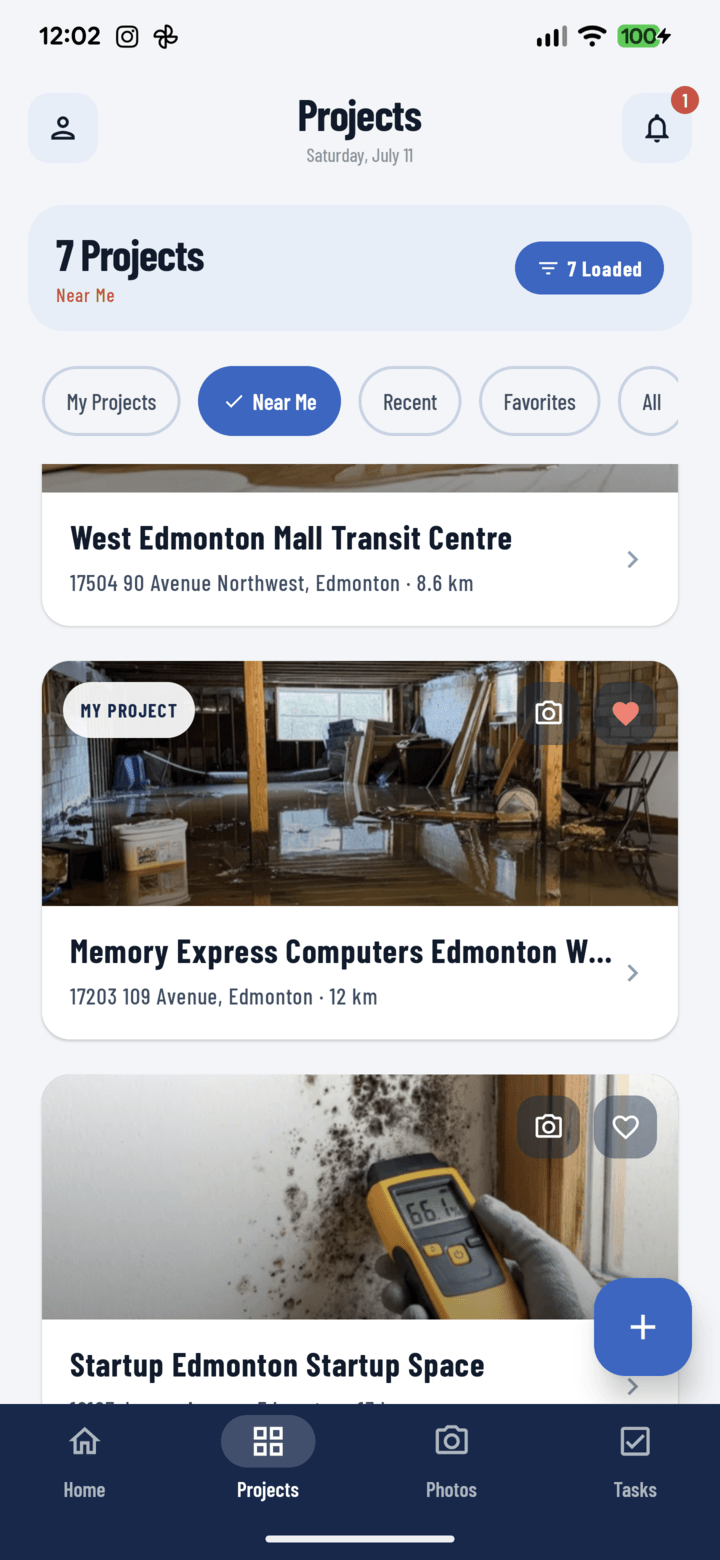
The Projects tab with the Near Me filter active
The Five Filters
The chips sit atop Home's project carousel and the Projects tab:
| Filter | Shows | Who lives here |
|---|---|---|
| All | Every project you can see | Owners and office staff watching the whole book |
| My Projects | Only jobs you're assigned to as crew | Working crew members — your day, nothing else |
| Favorites | Your bookmarked shortlist (how to favorite) | Anyone juggling a handful of hot jobs out of many |
| Near Me | All projects sorted by distance from where you stand, distance labeled on each card | Service techs and supers covering territory (details below) |
| Recent | Ordered by latest activity — the job that just got photos floats up | PMs checking "what moved today" |
Tap a chip to switch views instantly; the chip stays highlighted so you always know which slice you're looking at.
Near Me Notes
- First use asks for location permission — that's all the setup.
- Distances compute from cached project coordinates, so it's fast and works for known projects even offline.
- The unbeatable morning move: Near Me → closest card → camera shortcut.
Stack Filters on Top
Any chip combines with the filter tray (search, tags, operators): My Projects + tag "roofing", or All + operator Maria. Active filters show as removable chips.
Set Your Default
Profile → Default Settings → Default project view — Home and Projects open on your chosen filter every time (defaults guide).