
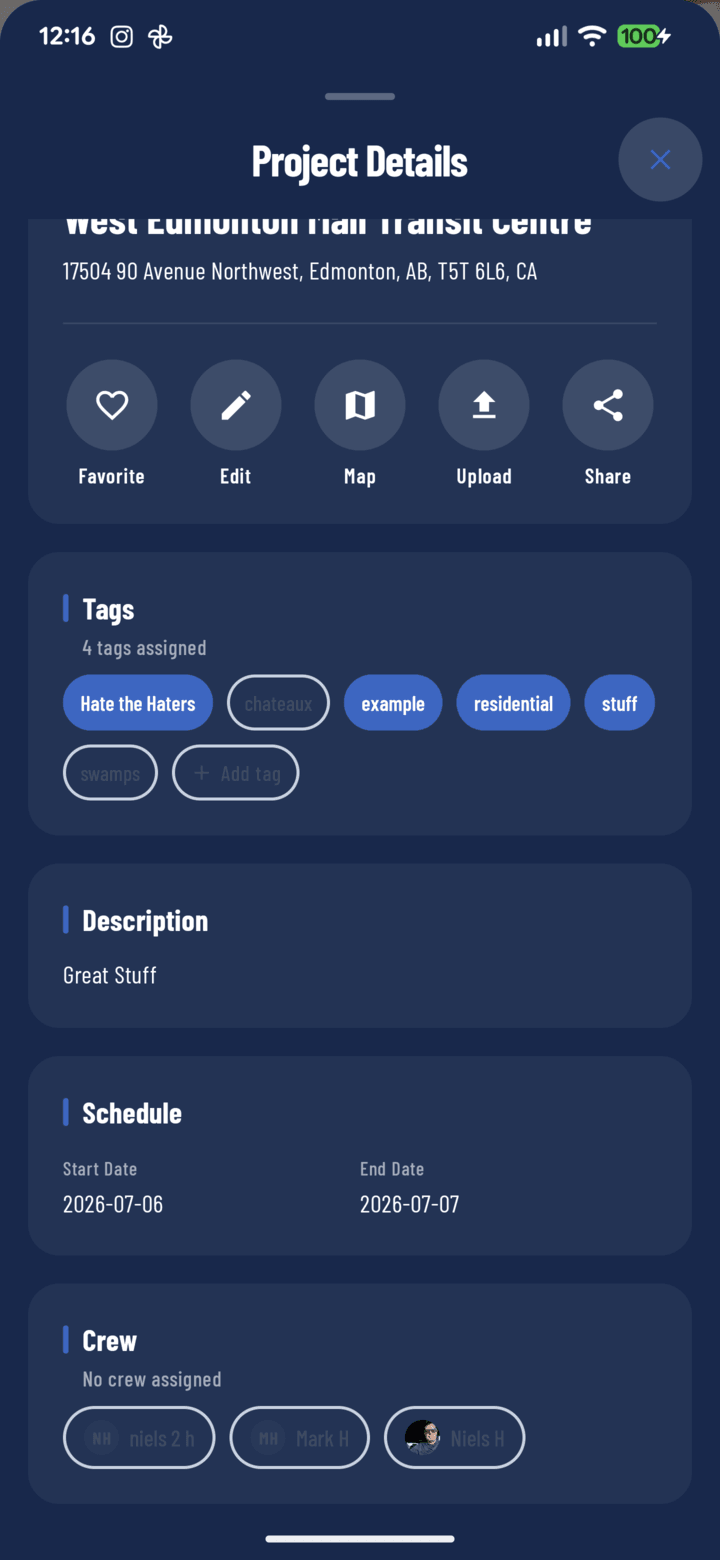
The Crew section of the details sheet
Steps
- Open the project from the Home or Projects tab.
- Tap the Details pill under the project header to open the details sheet.
- Scroll to the Crew card.
- Tap operator chips to select (assign) or deselect (unassign) crew members.
- Tap Update to save the assignments.
What Crew Assignment Does
- Assigned operators see the project under the My Projects filter.
- They become available as task assignees for that project.
- Their avatars appear in the project's crew stack on project cards.
Tips
- Long-press any person's avatar elsewhere in the app (comments, tasks, photo details) to open their person card with call, SMS, and email shortcuts.
- Combine with the Assigned to Me task filter so each operator sees exactly their own work.
Related
- Create and assign tasks
- FAQ: Projects