
Steps
- Tap the Profile button (top-left of the header) to open your Profile.
- Tap Help & How-To.
- Browse the guides by section — accounts, projects, photos and camera, annotation, documents, comments, tasks, reports, notifications, offline and sync, and settings — or type in Search guides to filter by title and summary.
- Tap a guide to read it. Use the back arrow to return to the list.
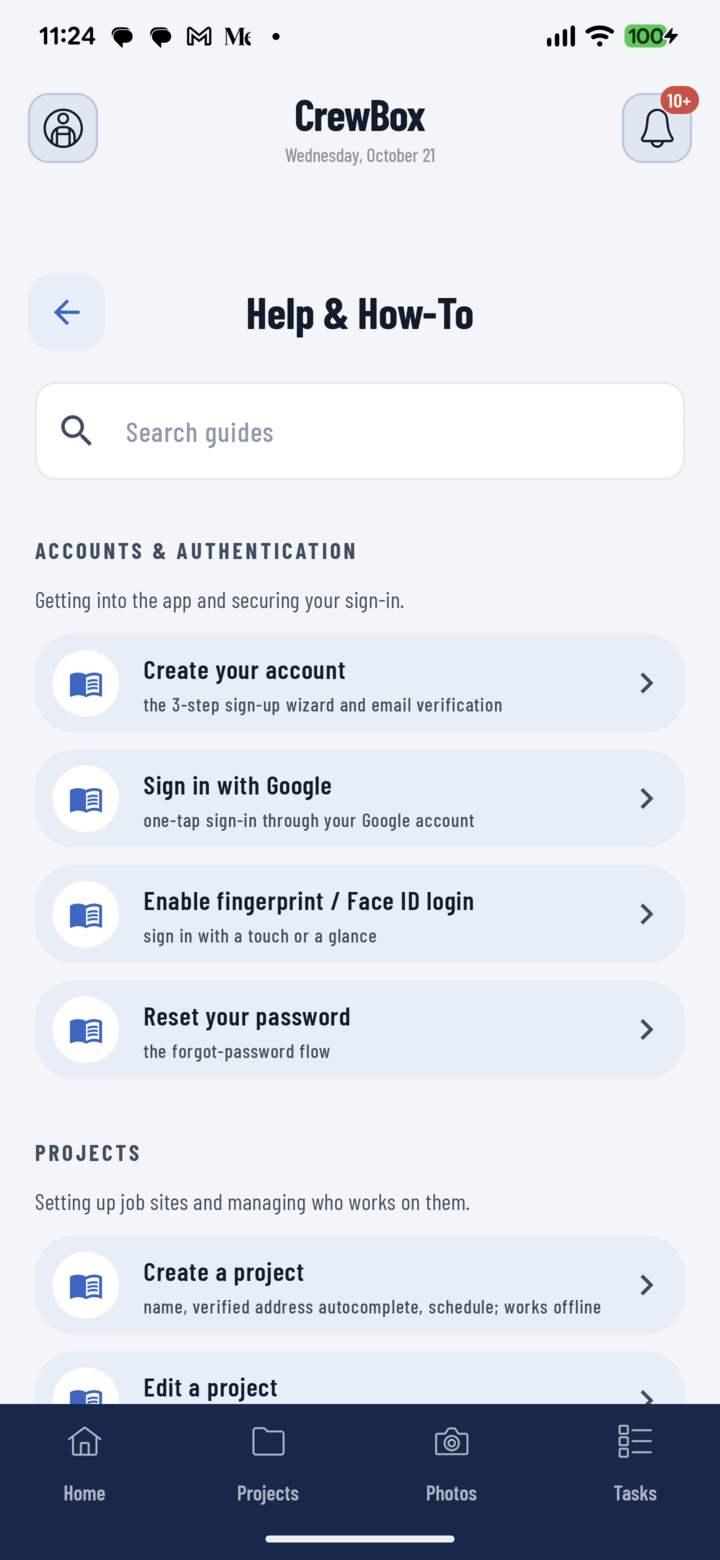
Profile → Help & How-To: search or browse the guides right inside the app.
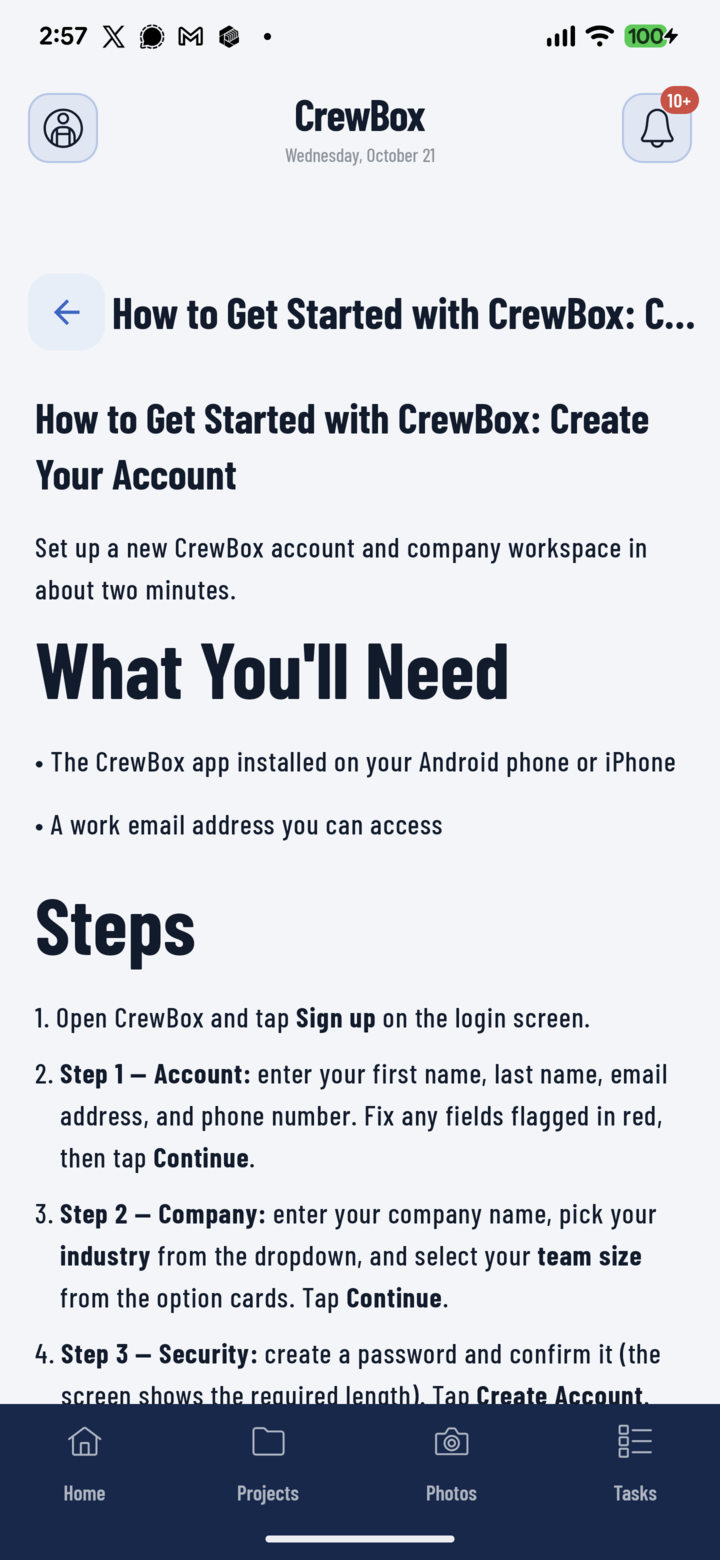
Tap any guide to read it right in the app — no browser needed.
Good to Know
- The guides ship inside the app, so they open instantly and work offline — handy on a job site with no coverage.
- They're updated with each app release. For the newest versions (and the web console guides), visit the Workspace Guide on crewbox.pro.
- The in-app guides are currently in English only.
- "No guides match your search"? Try a shorter word — search looks at guide titles and summaries, not the full text.