
CrewDocs on your phone
Forms and checklists that live inside the project.
CrewDocs are documents built right inside CrewBox — daily site reports, pre-pour checklists, punch lists, timesheets, estimates, and work orders. Nothing to upload or download: the crew opens them from the project's Docs tab, where published CrewDocs are listed in the CrewDocs section, and recent ones also show on Home. See all opens the full list with search and a project filter.
Tap a CrewDoc to read it, or tap the pencil to edit: tick checklist items, type notes, and type / for headings, lists, and tables. To start a new one, tap + on the Docs tab and choose New CrewDoc (create and edit a CrewDoc).
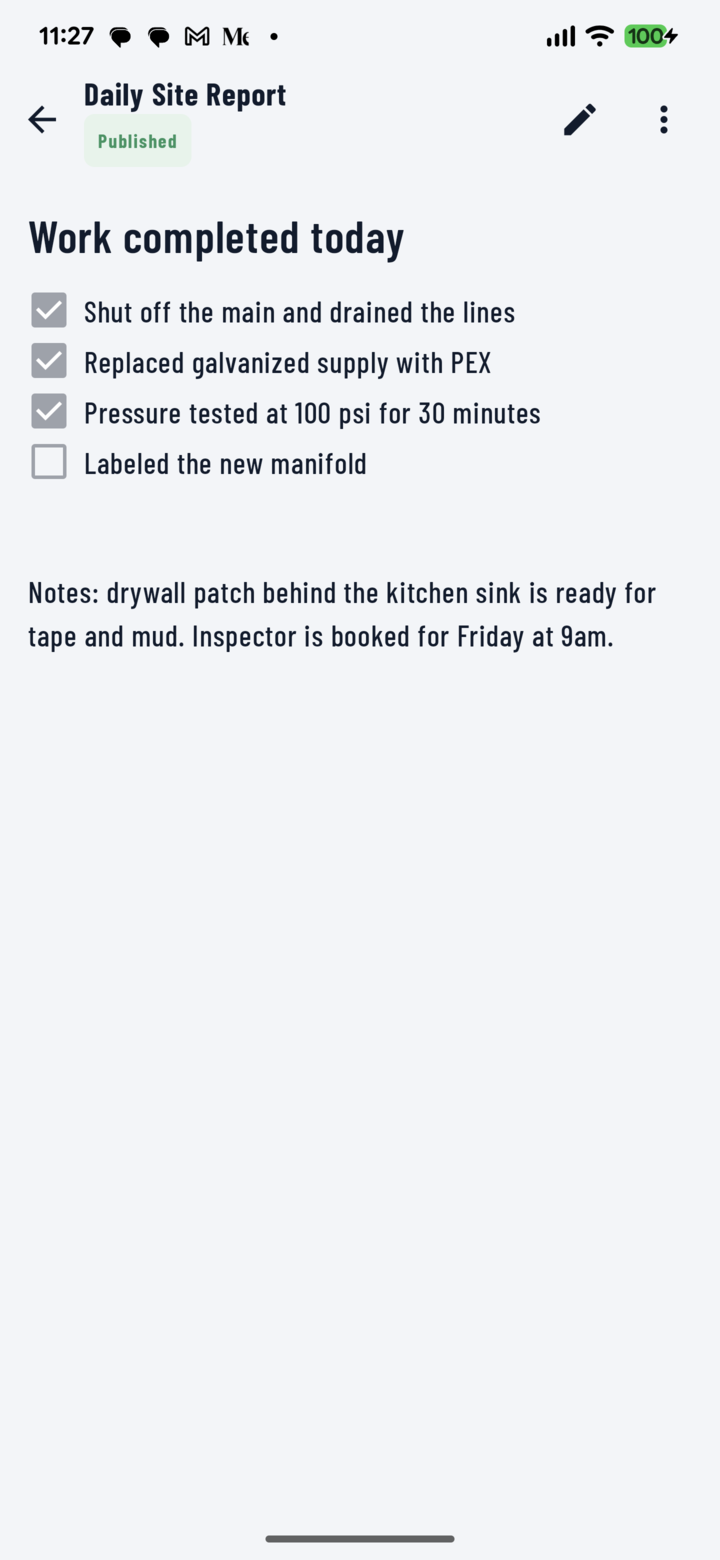
A published CrewDoc — a daily site report with its checklist.
Tables and ready-made tables
Timesheets, materials, and invoices that add themselves up.
Type / in edit mode and pick Table, or one of five ready-made tables — Invoice, Estimate, Work order, Materials, and Labor — with column formats and totals already wired (add a ready-made table). Rows fill in through a phone-sized form with date pickers and a crew drop-down; calculated columns and totals update on their own (fill in a table).
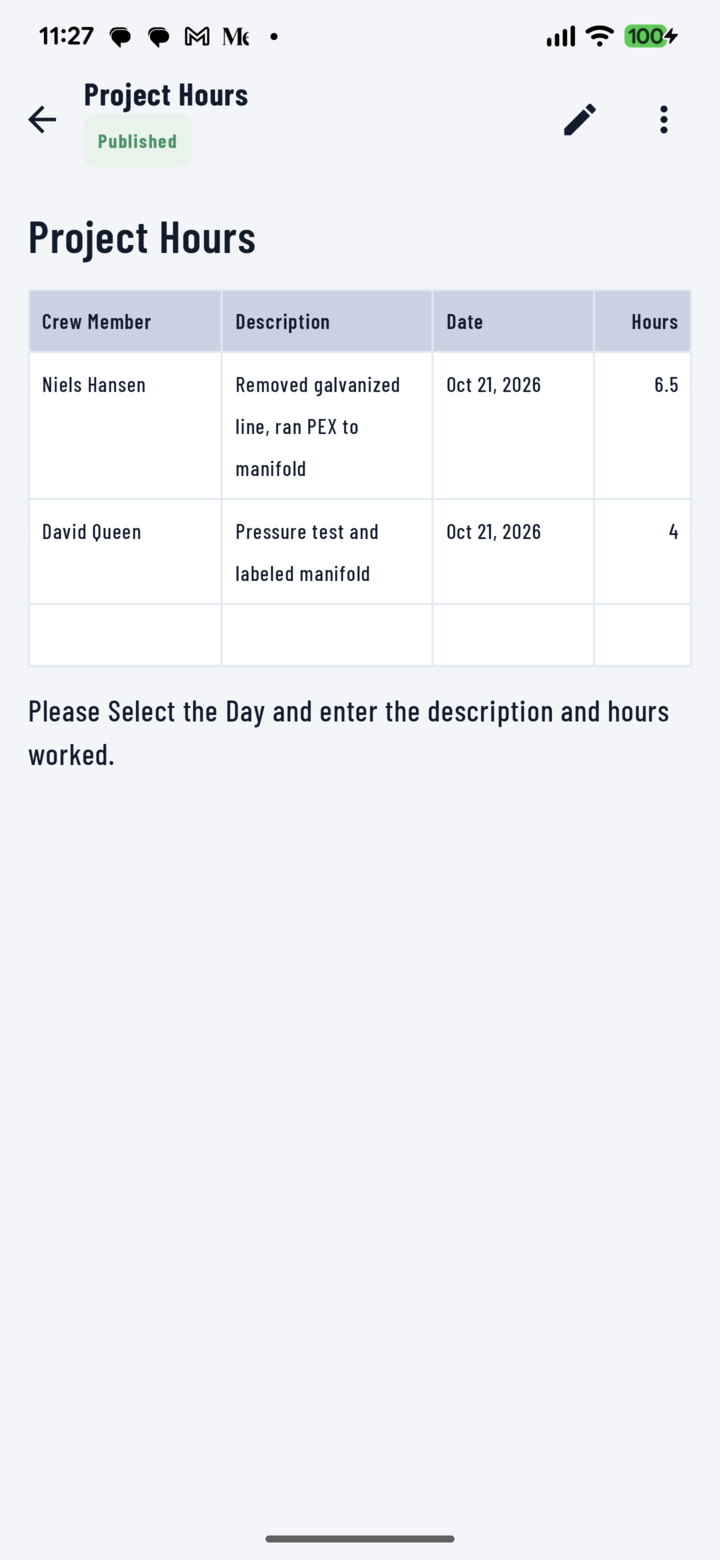
A crew-hours table filled in from the phone.
Phone and web console
What the crew does in the field, and what the office sets up.
The app shows Published CrewDocs and saves your edits automatically while you're online — CrewDocs need a connection to open and edit (saving, sync, and offline).
Drafts, publishing, CrewDoc templates, widgets, and adding CrewDocs to a new project are handled in the CrewBox web console — see the desktop CrewDocs guides. Once a CrewDoc started from a template is published, it shows up on everyone's phone.