
The Reports Tab
Open the project → Reports tab:
- Search reports by name.
- Filter by creator and date range (filter icon) — "the reports Maria generated in June."
- New Report starts blank; From Template starts from a saved format.
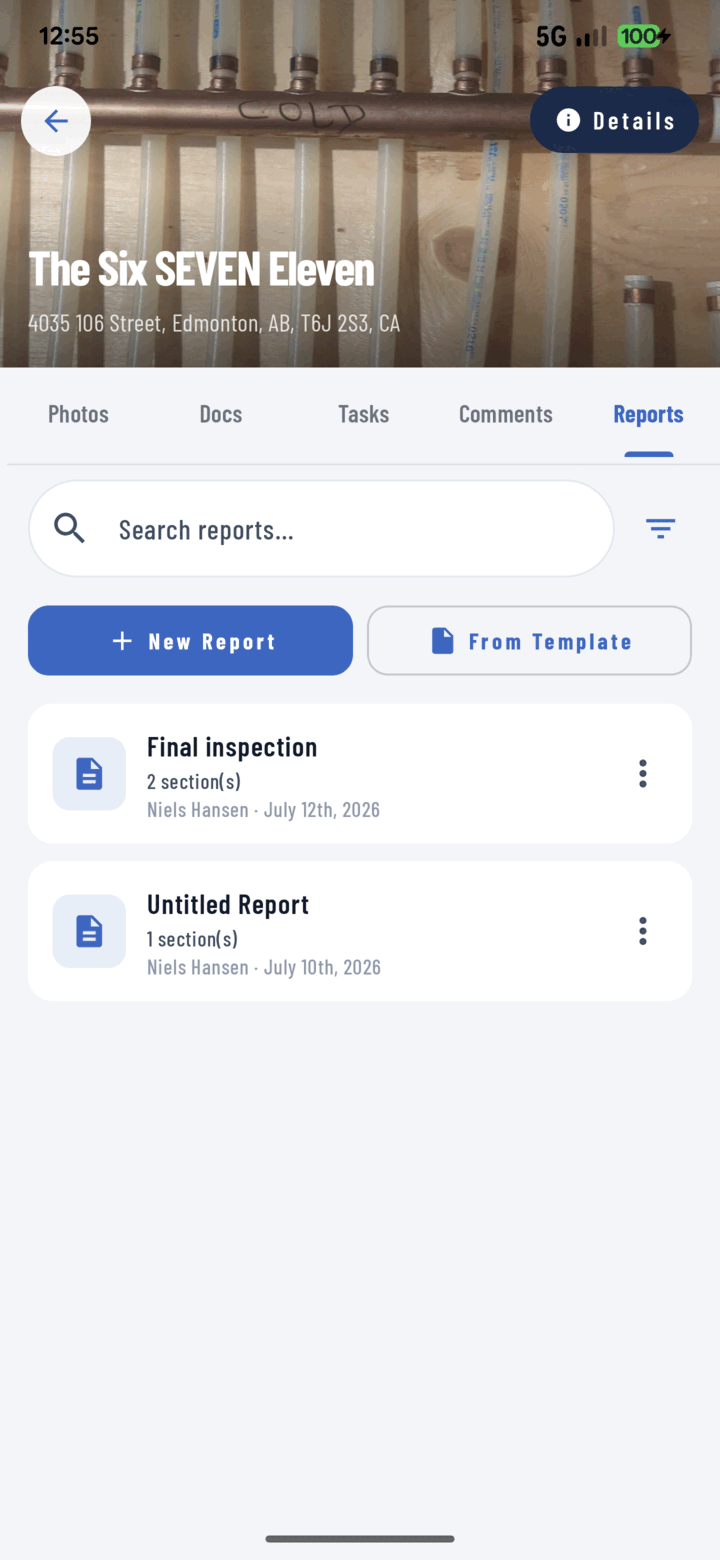
The Reports tab lists every report on a project — start a New Report, use a template, or open one to edit.
Per-Report Actions (overflow menu on each card)
| Action | What it does |
|---|---|
| Open | Edit the report in the editor |
| View PDF | Jump straight to the rendered PDF preview (share / save / print from there) |
| Duplicate | Copy the report — the fastest way to iterate a format or start this week from last week |
| Delete | Remove the report (confirmation dialog); photos stay in the library |
The Weekly Rhythm That Works
- Week 1: build the report properly, save it as a template.
- Every week after: From Template → add the week's photos → Generate → Save to Documents + Share.
- Or even lazier: Duplicate last week's report and swap the photos.