
Steps
1. Open the photo viewer
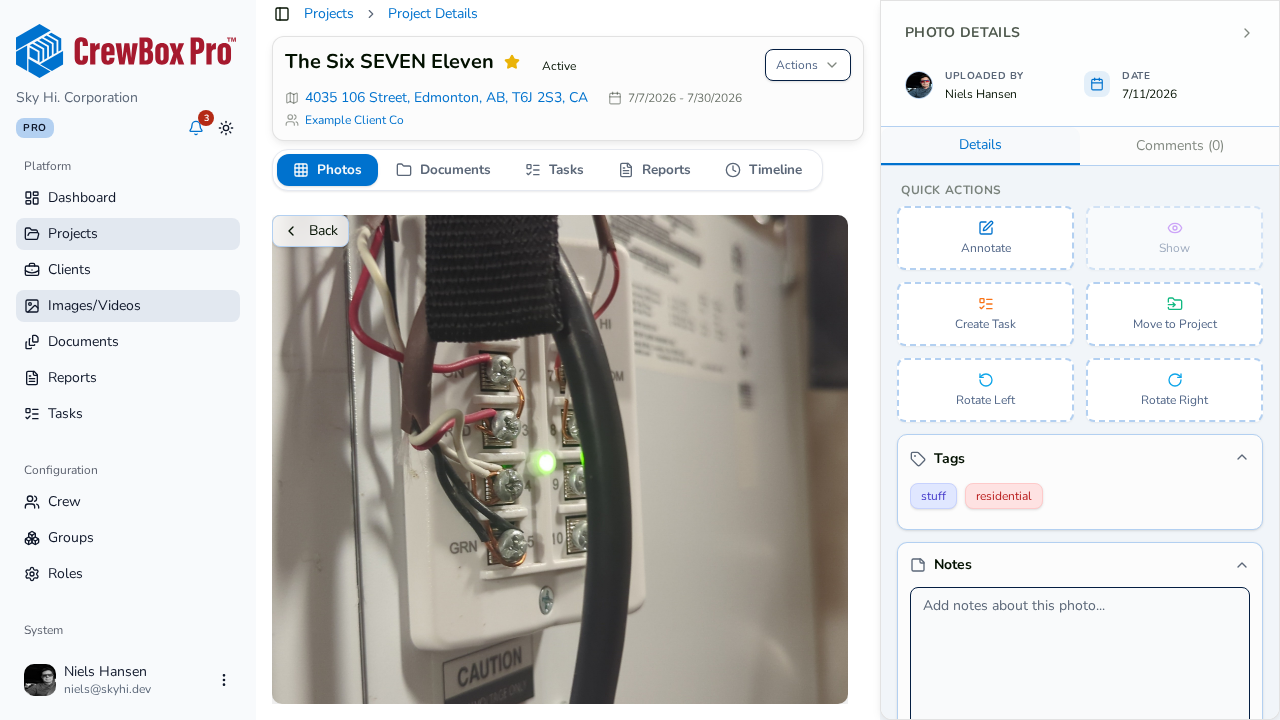
Click any photo to open it in the detail viewer.
2. Enter fullscreen
Activate the viewer's fullscreen mode. The photo zooms in with an animation and fills the screen.
3. Let the controls disappear
The on-screen controls auto-hide after a few seconds of inactivity, leaving nothing but the photo. Move the mouse to bring them back.
4. Navigate with the keyboard
- Left / Right arrow keys step to the previous or next photo in the project.
- Escape exits.
5. Keep working in fullscreen
Fullscreen isn't view-only — you can open the Annotate editor and toggle annotations on or off without leaving fullscreen mode.