
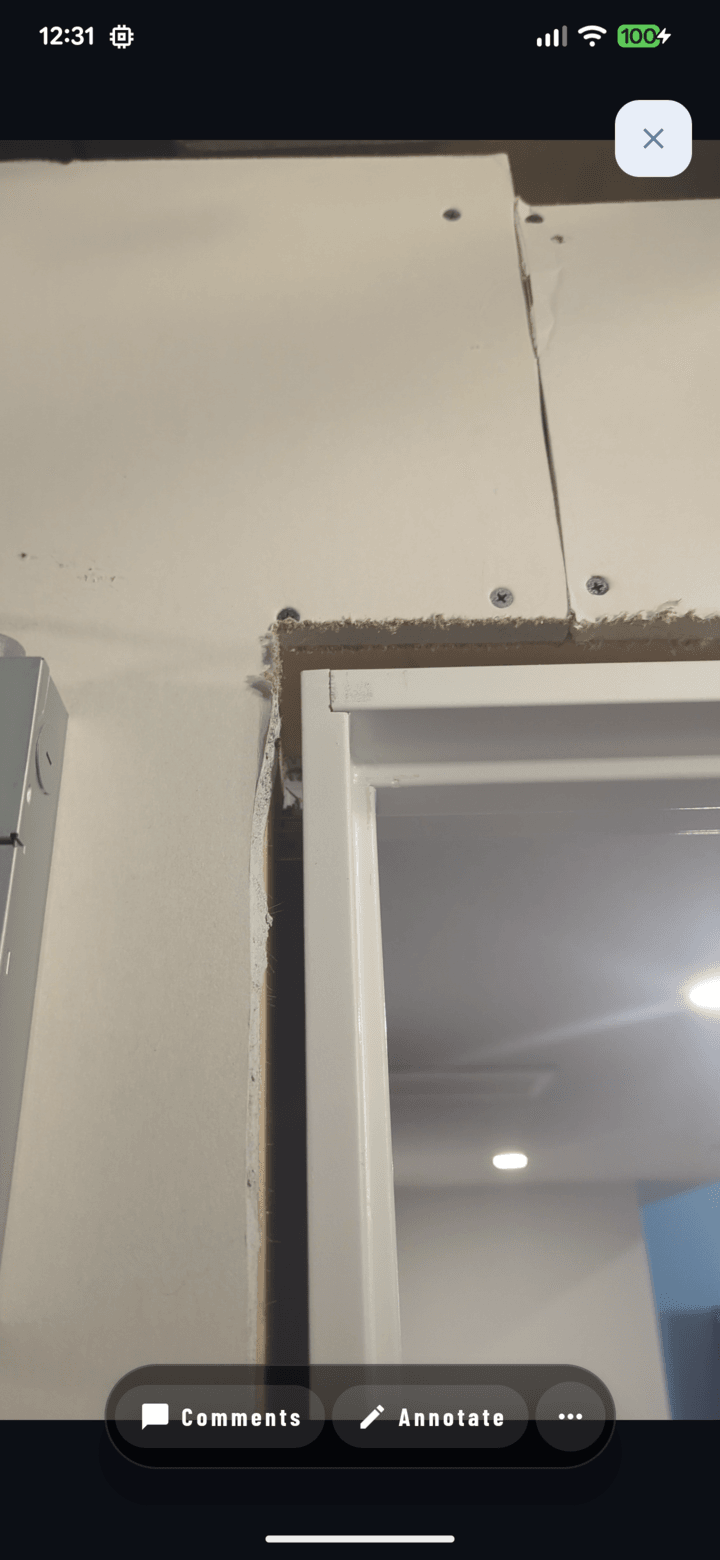
The full-screen viewer with its Comments / Annotate / … action pill bar.
Getting Around
- Tap any photo in a grid — it opens full-screen carrying the entire list you came from.
- Swipe left/right — move through all of them; reviewing fifty photos is one continuous swipe.
- Videos play inline with standard controls.
- Swipe down — dismiss back to the grid.
Zoom
- Pinch to zoom in/out; double-tap for quick zoom.
- Inspect fastener spacing, read a label, check a weld — full resolution is there.
Landscape Photos and Videos
Landscape media temporarily unlocks rotation — turn your phone and it fills the screen (the action icons rotate 90° as the hint). The rest of the app stays portrait.
Annotations On/Off
Photos with markup show it as an overlay — toggle annotations visible/hidden from the actions to compare the marked-up view against the clean original.
Everything Else, One Tap Away
From the viewer's action bar: Comments (with count badge), Annotate, Details (notes/tags/GPS), and the More sheet — Share, Save, Print, Set as project cover, Delete (role-gated).