
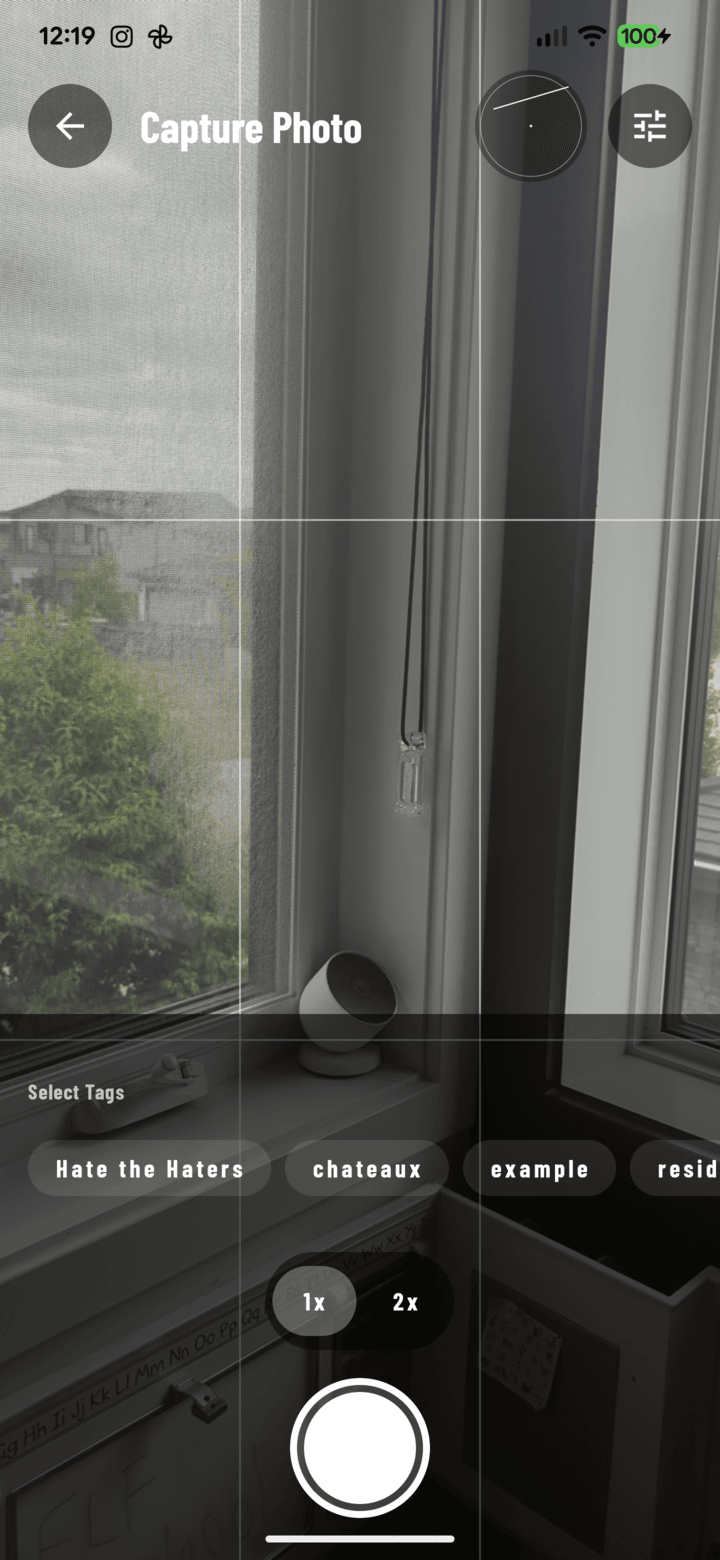
The bubble level sits top-center in the viewfinder and reads the phone's actual tilt.
Steps
- Open the camera → settings control.
- Toggle the Level indicator on.
- A level HUD appears on the live preview, reading the phone's actual tilt.
- Straighten the phone until the indicator shows level — then shoot.
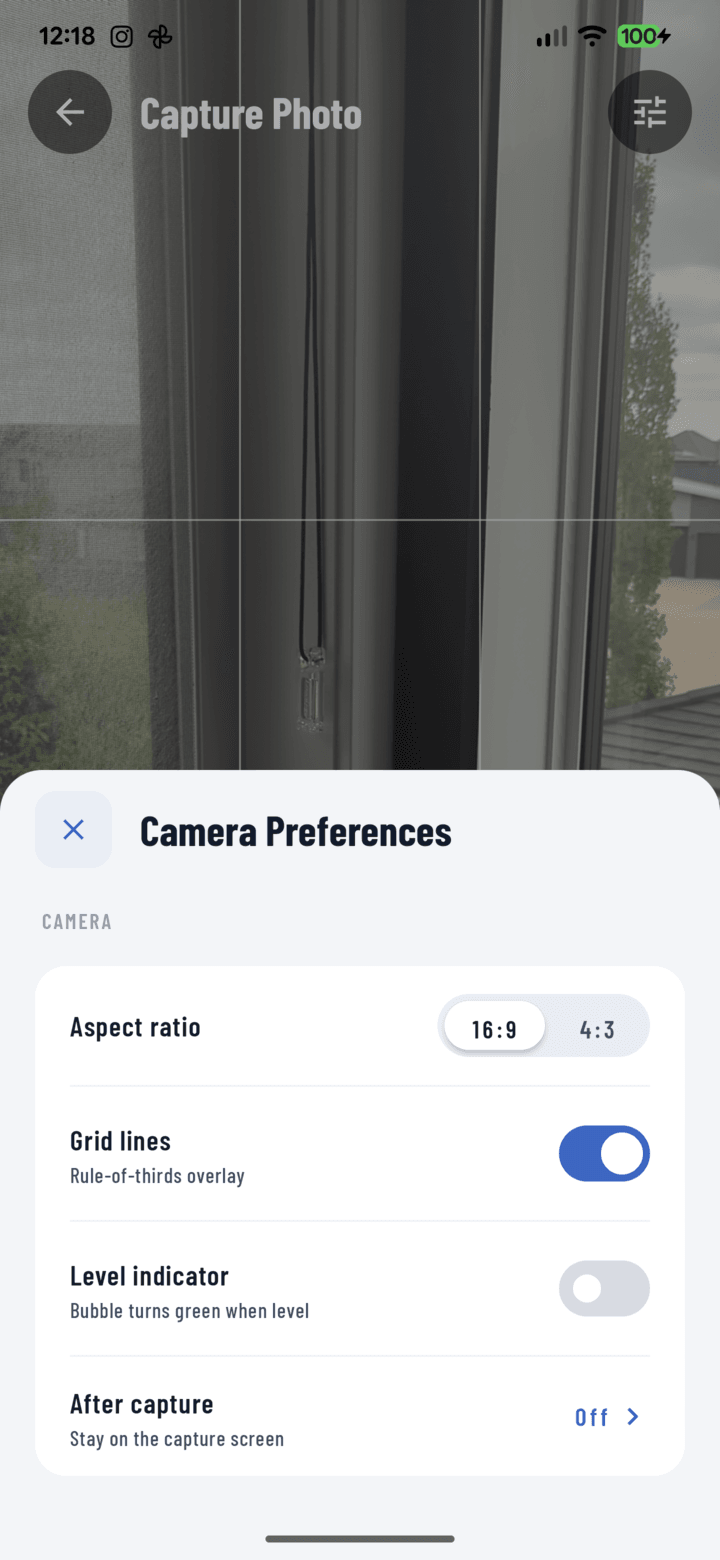
Toggle the Level indicator on from the camera settings sheet.
Why Crews Turn It On
- Documentation credibility: a tilted photo of a straight wall looks like a crooked wall. Level shots remove the argument.
- Before/after pairs and progress sequences look professional when every frame shares the same true horizon.
- One-handed shots (other hand on a ladder) drift — the HUD catches what your eye can't while balancing.
It measures the phone, not the scene — level phone, honest photo. The indicator never appears in the captured image, and the setting persists.