
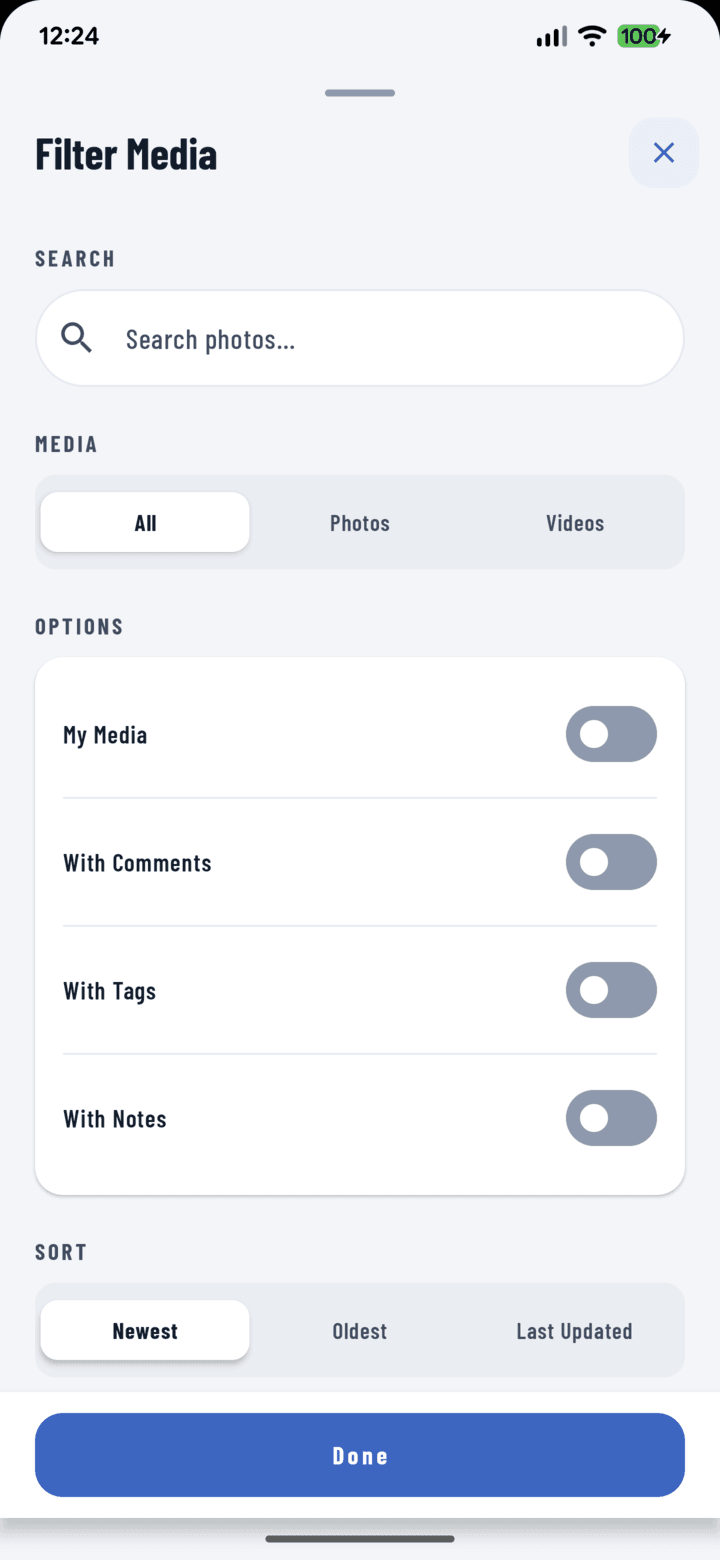
The Filter Media sheet — combine any of the filters below in one visit.
Opening the Filters
In the Photos tab (cross-project) or a project's Photos tab, tap the filter control.
Every Filter
| Filter | What it narrows to |
|---|---|
| My Photos | Only what you captured |
| Media type | Photos vs. videos |
| Operators | Who captured it |
| With comments | Discussed photos only |
| With tags | Tagged (or flip it to find the untagged backlog) |
| With notes | Photos carrying notes |
| Search | Free-text |
| Date range | Start / end dates |
| Tags | Any combination of labels |
| Sort | Ordering control |
Filters combine: "videos, by Jake, tagged electrical, last two weeks" is one dialog visit. Active filters show as removable chips above the grid — drop one without rebuilding the rest.
Recipes
- The inspection package: tag + date range → select all → Add to Report.
- The untagged backlog: "with tags" off-filter → bulk Tag.
- "That photo Maria took of the panel": operator: Maria + search/tag "panel".
- Every discussed photo: "with comments" → review open questions.
No Results?
The empty state offers one-tap Clear Filters — you're never stuck in a dead-end view.