
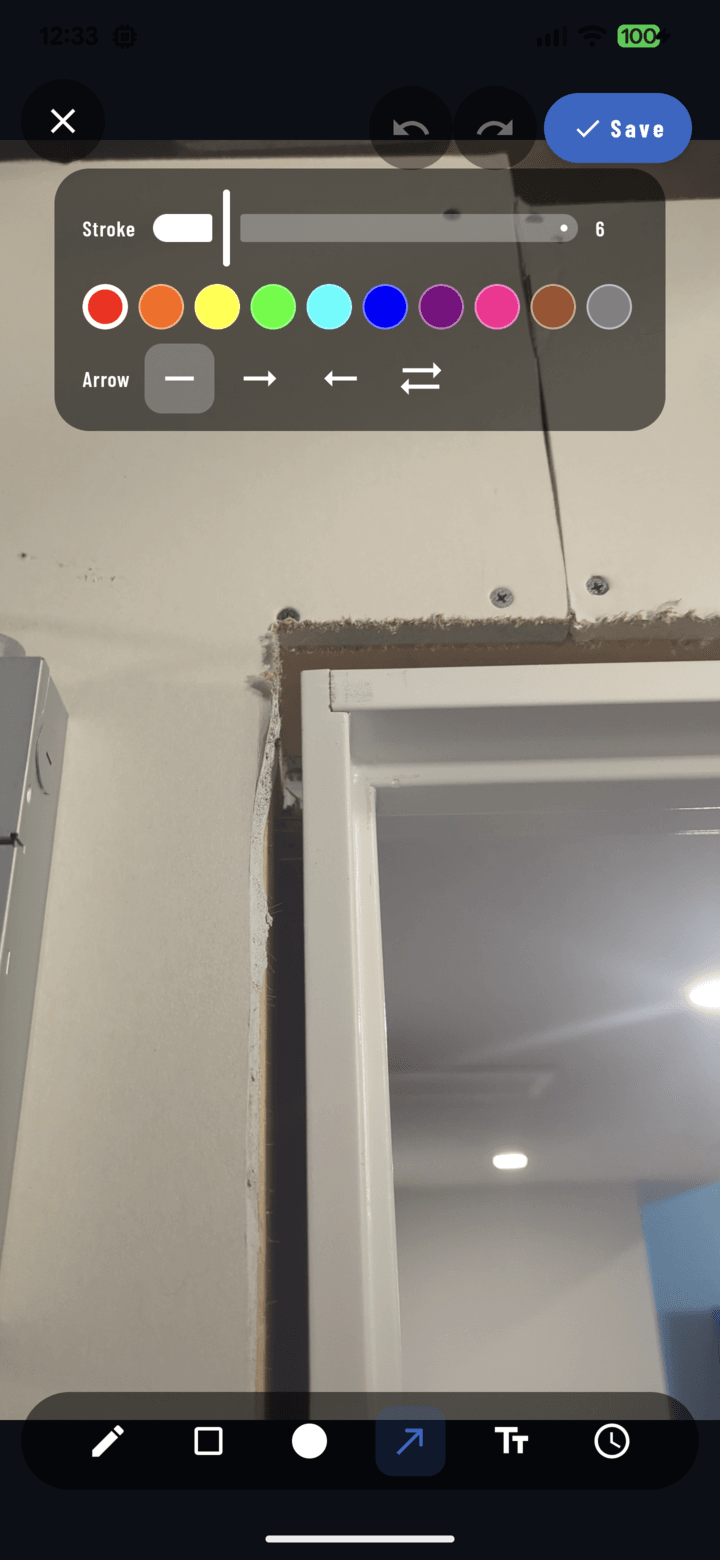
The 12-swatch color row in the annotation editor's contextual controls.
Steps
- In the annotation editor, either:
• Pick a drawing tool first — the color you choose applies to what you draw next, or
• Select an existing object (Select tool → tap it) — the color change applies to it immediately. - Tap a swatch in the 12-color picker in the contextual controls.
- Draw (or watch the selected object recolor).
Picking Colors That Work
- Contrast with the photo: red vanishes on brick; use white/yellow on dark or busy backgrounds, dark colors on bright surfaces (sky, snow, fresh drywall).
- Color-code by meaning and keep it consistent across the crew:
- Red — defect / must fix
- Yellow — caution / verify
- Green — approved / complete
- Blue — informational
- Annotations print in color in PDF reports — a consistent code reads instantly for clients too.