
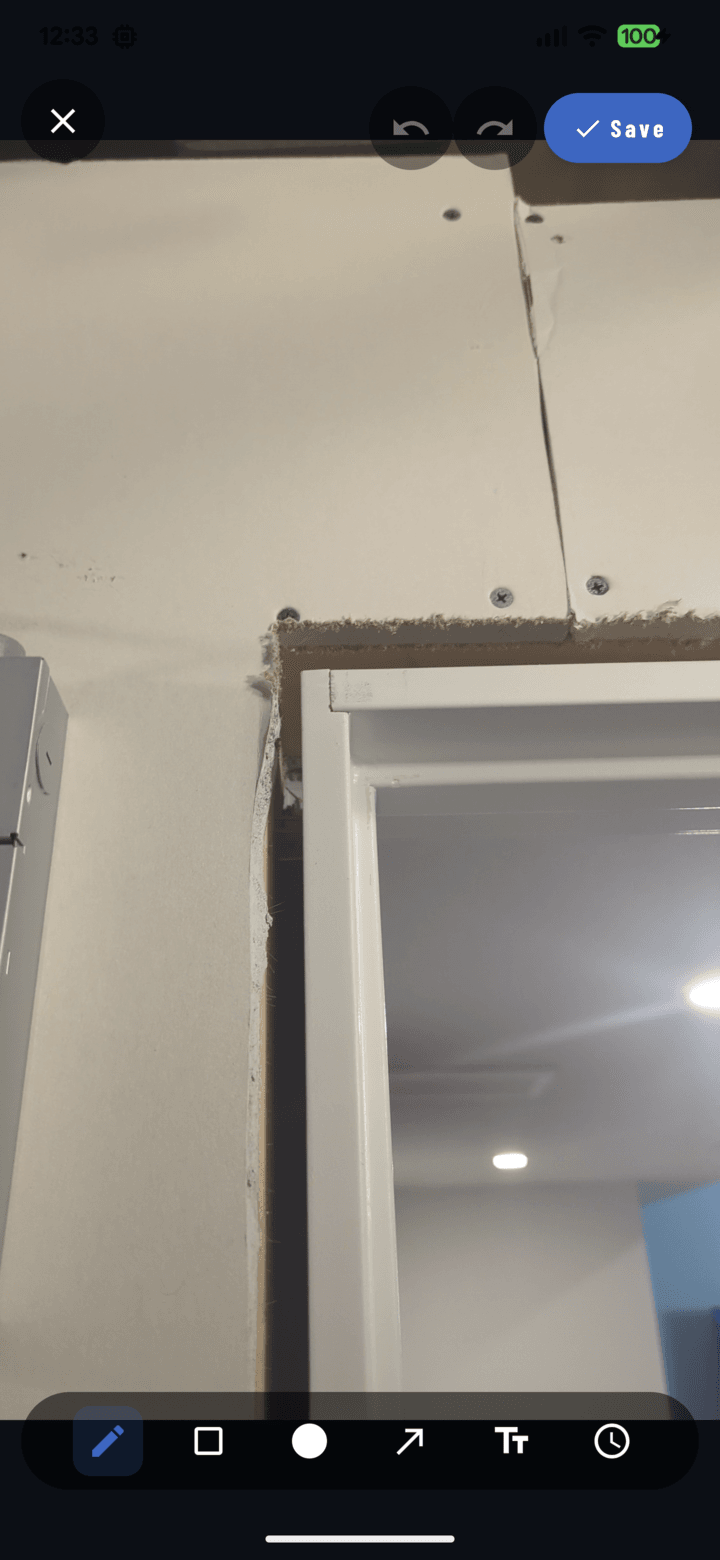
Undo and redo live in the annotation editor's top bar.
Steps
- Open a photo full-screen and tap Annotate to enter the editor.
- Draw anything — shapes, lines, text.
- Undo: tap the undo arrow in the top bar — the last change reverts (keep tapping to step further back).
- Redo: tap the redo arrow — undone steps come back.
Undo/redo covers all annotation changes: drawing, moving, resizing, text edits, color changes, deletions.
Other Ways Out
- Delete selected: select an object (Select tool → tap it) and tap the delete control — removes just that object.
- Cancel (X): leaves the editor without saving this session's changes.
- After saving: annotations stay editable forever — reopen the editor and adjust or delete anything, any time. Nothing is burned into the image.
Related
- Annotate a photo — editor overview
- Move and edit annotation objects